Many-to-Many Relationships in an ER Diagram (Junction Table in Visio)
An order has many products and a product is on many orders. Learn why a database can't store that directly, and how a junction entity fixes it, drawn in Visio with crow's foot notation.
Step by step
The problem
- Many-to-many. One order can have many products, and one product can be on many orders. That's a many to many relationship, and a database can't store it directly. Let's fix it in Visio.
- Crow's Foot stencil. I'm using the Crow's Foot Database Notation stencil.
The two entities
- The two entities. Here's the order entity, with its own ID and a date. And here's product, on the far side.
The junction entity
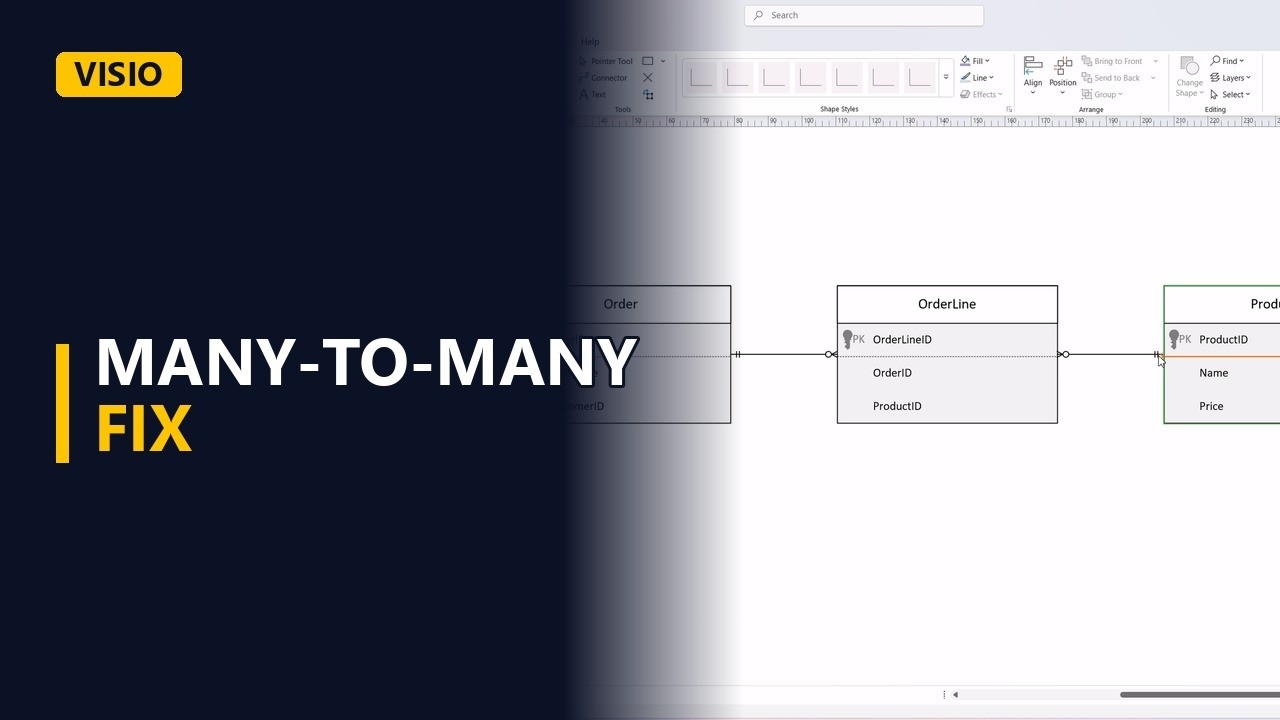
- The junction entity. The fix is a third entity in the middle, called a junction or associative entity. Each row is one product on one order, so call it order line.
Two one-to-many
- Two one-to-many. Now connect order to order line. One order has zero or many lines. And product to order line. One product appears on zero or many lines.
- Done. Click away. One many to many became two simple one to many relationships.
The rule
- The rule. The rule is simple. Whenever you find many to many, add a junction entity that holds both keys. And it often holds useful extra data too, like the quantity of each product.