Running Total in SQL (Window Functions): Cumulative Sales by Date
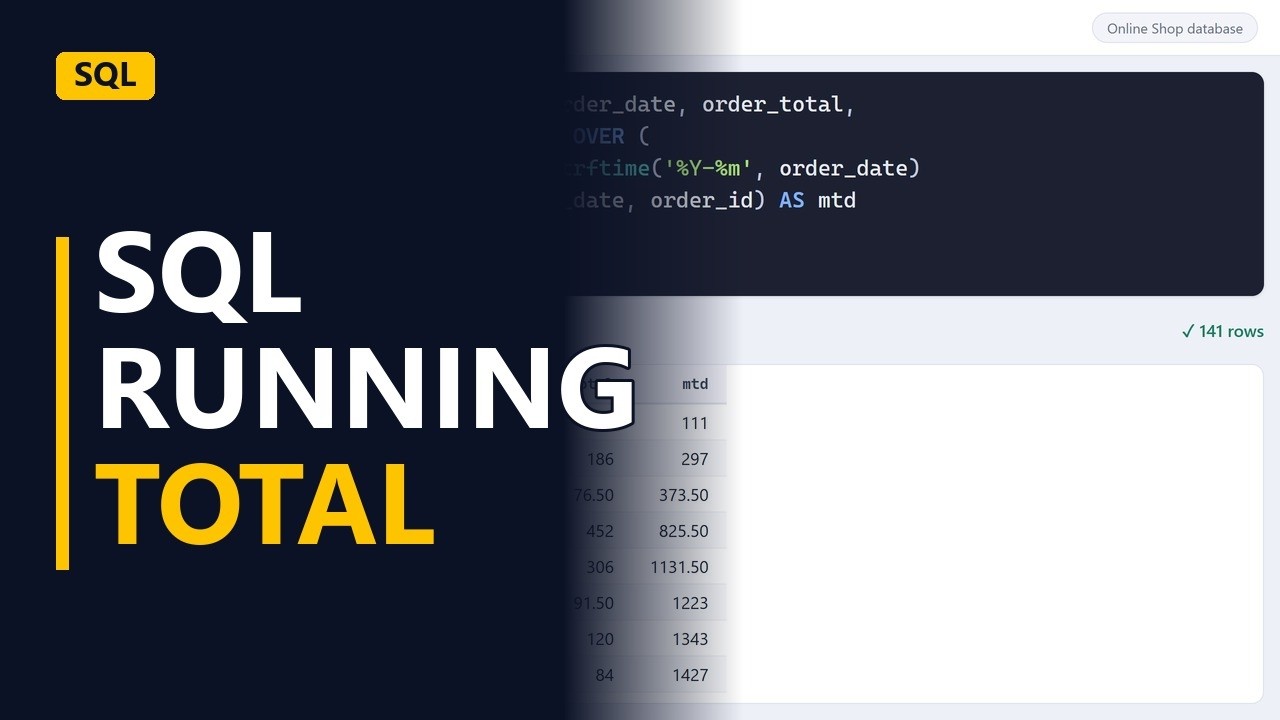
SUM with OVER adds up sales row by row, so each order shows the total so far. Build a running total by date, fix same-day ties with a tie breaker, and restart the total every month for month-to-date sales.
Step by step
Running total
- Sales so far. How much have we sold so far this month? A running total answers that, row by row. In SQL, it's a sum with a window. Let's build one.
December orders
- The orders. Start small. Every order from December, with its ID, date and total. Twelve December orders, oldest first.
SELECT order_id, order_date, order_total
FROM orders
WHERE order_date >= '2025-12-01';
SUM OVER
- SUM OVER. Add sum of order total, over, order by order date. Over turns the sum into a window: each row adds up itself and every row before it. Still twelve rows, now with a running total. A hundred and eighteen, then two hundred and fifty, then three hundred and twenty two. It keeps climbing.
order_total,
  SUM(order_total) OVER (ORDER BY order_date)
    AS running_total
Same-day ties
- Break the ties. But look at December twentieth. Both orders show the same total, because rows with the same date are added together. Add order ID as a tie breaker. Now every row climbs on its own, one order at a time.
order_date,
    order_id) AS running_total
The whole year
- The whole year. The where line decides which orders go into the total. Take it out, and the running total covers the whole year. A hundred and forty one rows. The total starts with the first order in January and keeps growing all year.
;
Month to date
- Restart each month. For month to date, add partition by. Strf time keeps the year and month, so the total starts again from zero at every new month. Every order now shows sales so far in its own month. The last order of each month holds that month's total.
SELECT order_id, order_date, order_total,
  SUM(order_total) OVER (
    PARTITION BY strftime('%Y-%m', order_date)
    ORDER BY order_date, order_id) AS mtd
FROM orders;
Recap
- Running totals. So, sum over, order by date, gives a running total. Add a tie breaker for rows on the same day. And partition by month restarts it every month.