SQL WHERE Clause: Filter Rows Like an Analyst
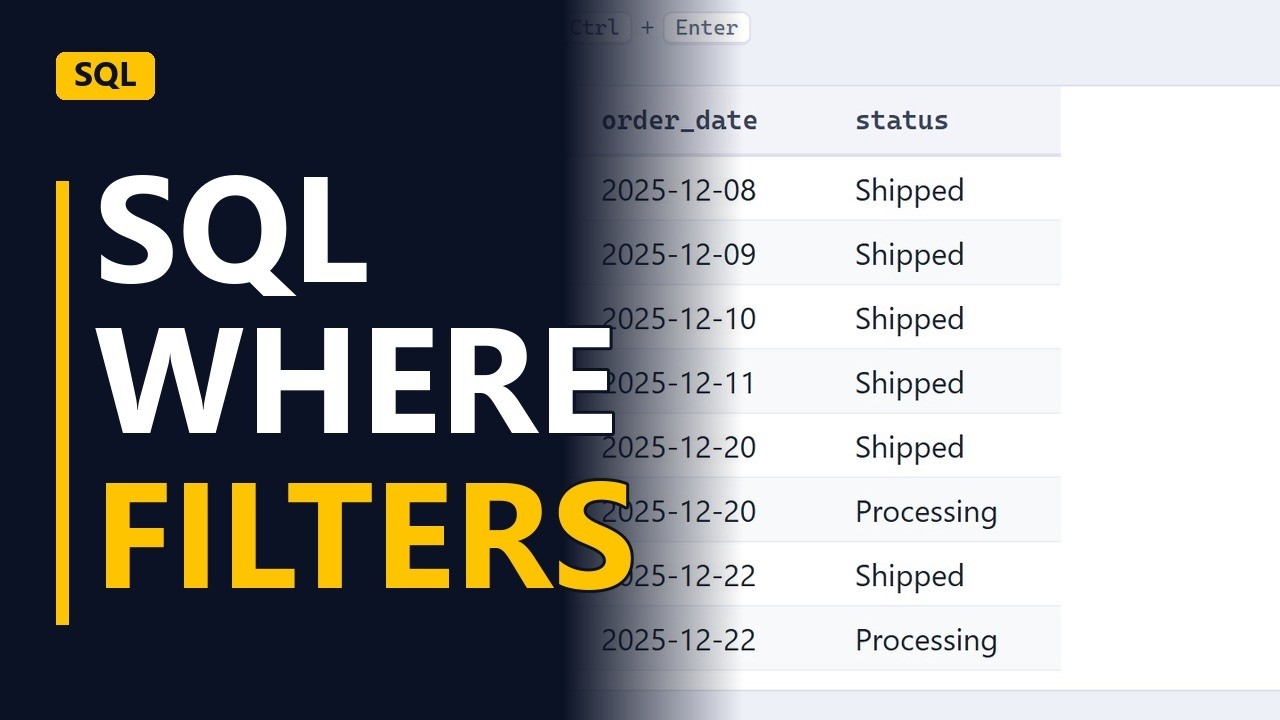
WHERE keeps only the rows you need. Filter orders by status and by date, combine conditions with AND, and match a list with IN, on a sample online shop database.
Step by step
Filter rows
- Only the rows you need. A table can hold millions of rows, but most questions are about only a few of them. WHERE filters a query so it returns only the rows you need. Here it is used on the orders table of a sample online shop database.
- Every order. Start without a filter. This query returns the order_id, order_date and status of every order in the orders table. Run it and you get 141 rows. That's too many to read, so the next step is to narrow it down.
SELECT order_id, order_date, status
FROM orders;
Filter by status
- Match text. Add a new line before the semicolon: WHERE status = 'Cancelled'. Text goes in single quotes and must match the value stored in the table. Run it again and only 11 orders are left. These are the cancelled ones.
WHERE status = 'Cancelled'; - Only cancelled. Check the status column in the result. Every row says Cancelled, which shows the filter worked.
Filter by date
- Dates. Now filter by date. Replace status = 'Cancelled' with order_date >= '2025-12-01'. Write dates as year-month-day in single quotes. >= means on or after that date. The query returns 12 orders, all placed from 1 December 2025 onwards.
order_date >= '2025-12-01'
Combine filters
- AND. To filter on 2 things at once, add a new line before the semicolon: AND status = 'Processing'. A row is kept only when both conditions are true. That leaves 5 orders: December orders that are still processing, which the warehouse has not sent yet.
AND status = 'Processing'; - IN. To match more than one value, replace status = 'Processing' with status IN ('Processing', 'Shipped'). Put the values in brackets, each in single quotes, with commas between them. The result is 11 orders: every December order that is processing or shipped, which means it hasn't reached the customer yet.
status IN ('Processing', 'Shipped')
Recap
- WHERE in four moves. To recap: WHERE keeps only the rows that match. Text and dates go in single quotes, AND needs every condition to be true, and IN matches any value in a list.
Common mistakes
- Mixing AND and OR without brackets. AND is worked out before OR, so order_date >= '2025-12-01' AND status = 'Processing' OR status = 'Shipped' also returns shipped orders from every month. Put brackets around the OR part, or use IN instead.
- Using = NULL to find empty values. status = NULL never matches any row, even rows that really are empty. Write status IS NULL, or status IS NOT NULL for the opposite.
- Expecting text to match the same way in every database. In PostgreSQL and SQLite, 'cancelled' won't match Cancelled. MySQL and SQL Server usually ignore case by default. Copy the stored value exactly so the query works in all of them.
- Ending a date range with <= on the last day. If the column stores a time as well as a date, order_date <= '2025-12-31' misses orders placed later on 31 December. Use order_date < '2026-01-01' instead.
When a business analyst uses this
During user acceptance testing of a new order-tracking report, a business analyst runs a query with WHERE order_date >= '2025-12-01' AND status IN ('Processing', 'Shipped') and checks that the row count matches the report's open orders before signing off the test case.
Questions people ask
How do you match multiple values in a SQL WHERE clause?
Use IN with the values in brackets, separated by commas, like status IN ('Processing', 'Shipped'). It does the same job as writing several OR conditions, but it's shorter and easier to read.
Is the SQL WHERE clause case sensitive?
Keywords like WHERE and AND are not case sensitive. Text comparisons depend on the database: PostgreSQL and SQLite treat 'cancelled' and 'Cancelled' as different, while MySQL and SQL Server usually ignore case by default.
How do you filter by date in a SQL WHERE clause?
Compare the date column with a year-month-day date in single quotes, like order_date >= '2025-12-01'. This works in most databases, but Oracle may need DATE '2025-12-01' instead.