SQL INNER JOIN Explained With a Simple Example
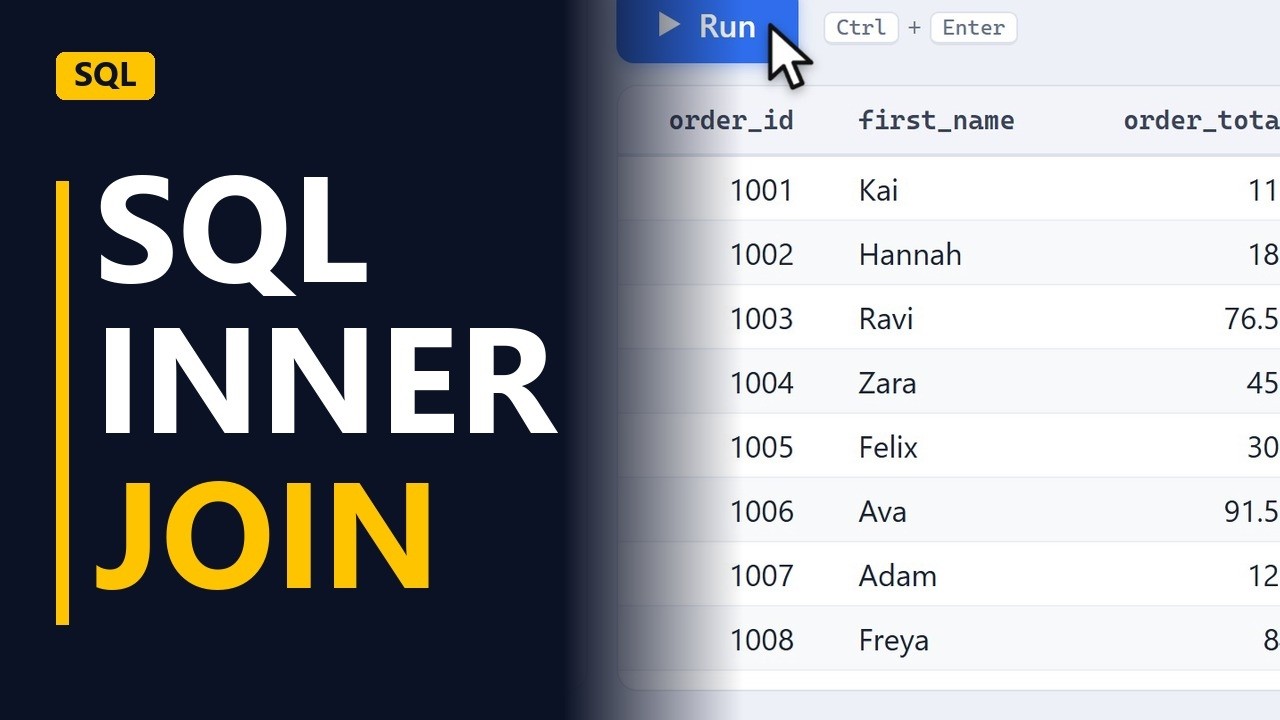
An INNER JOIN combines two tables where a key matches. Join orders to customers to show each order with the customer's name, and see why one order disappears from the result.
Step by step
Why join
- Two tables, one answer. Your manager wants a list of orders with each customer's name. The orders are in one table and the customers are in another. An INNER JOIN puts them together in one result.
- The orders table. The orders table only stores a customer_id, which is a number. It does not store the customer's name. To see it, run SELECT order_id, customer_id, order_total FROM orders; to show the order ID, the customer ID and the total for each order. It returns 141 orders.
SELECT order_id, customer_id, order_total FROM orders; - Just a number. The customer_id values are just numbers. The names are in the customers table, which has the same customer_id column. That shared column is how the 2 tables connect.
Write the join
- Short names. Start a new query: SELECT o.order_id, c.first_name, o.order_total FROM orders AS o. The o is an alias, a short name for the table, so o.order_total means order_total from orders. Customers will get the alias c, so c.first_name comes from customers.
SELECT o.order_id, c.first_name, o.order_total FROM orders AS o - INNER JOIN. Add INNER JOIN customers AS c on the next line. This brings the customers table into the query, with c as its short name.
INNER JOIN customers AS c - Match on the key. Finish with ON o.customer_id = c.customer_id; which tells SQL how to match the rows: the customer_id in orders must equal the customer_id in customers. It's the key both tables share.
ON o.customer_id = c.customer_id; - Orders with names. Run the query. Each order now shows the customer's first name next to the order ID and the total.
- Names from customers. The first_name values come from the customers table. SQL matched each order to its customer row by row using customer_id.
The missing order
- One order missing. Check the row count: 140, not 141. One order has a customer_id that doesn't match any row in customers, so the INNER JOIN leaves that order out without any warning.
Recap
- The INNER JOIN rule. INNER JOIN keeps only the rows that match in both tables. Name both tables, then use ON to say which columns match. To keep the orders that have no match, use a LEFT JOIN instead.
Common mistakes
- Not checking the row count. An INNER JOIN quietly drops rows that have no match, like the 1 order lost here (141 became 140). Count the rows before and after the join. If any are missing, find them with a LEFT JOIN.
- Leaving the table name off a shared column. customer_id is in both tables, so SELECT customer_id on its own gives an "ambiguous column" error in most databases. Write o.customer_id or c.customer_id.
- Matching on the wrong columns. Something like ON o.order_id = c.customer_id still runs, but it links orders to the wrong customers. Match the column that means the same thing in both tables, here customer_id.
- Duplicate keys in the second table. If a customer_id shows up twice in customers, each of that customer's orders shows up twice in the result and the totals add up too high. Check that the key is unique before you join.
When a business analyst uses this
When you check a data migration before sign-off, join the migrated orders to the customer master on customer_id and compare the row counts. If the join returns fewer rows than the orders table, some orders point at customers that don't exist. Log them in the RAID log as a data quality issue.
Questions people ask
Is JOIN the same as INNER JOIN?
Yes. In standard SQL, JOIN on its own means INNER JOIN, so both give the same result. Writing INNER JOIN makes the query easier to read.
What is the difference between INNER JOIN and LEFT JOIN?
INNER JOIN keeps only the rows that match in both tables. LEFT JOIN keeps every row from the first table, and shows NULL in the second table's columns when there is no match, so the missing order would still appear.