RANK vs DENSE_RANK in SQL: Rank Salespeople With Ties
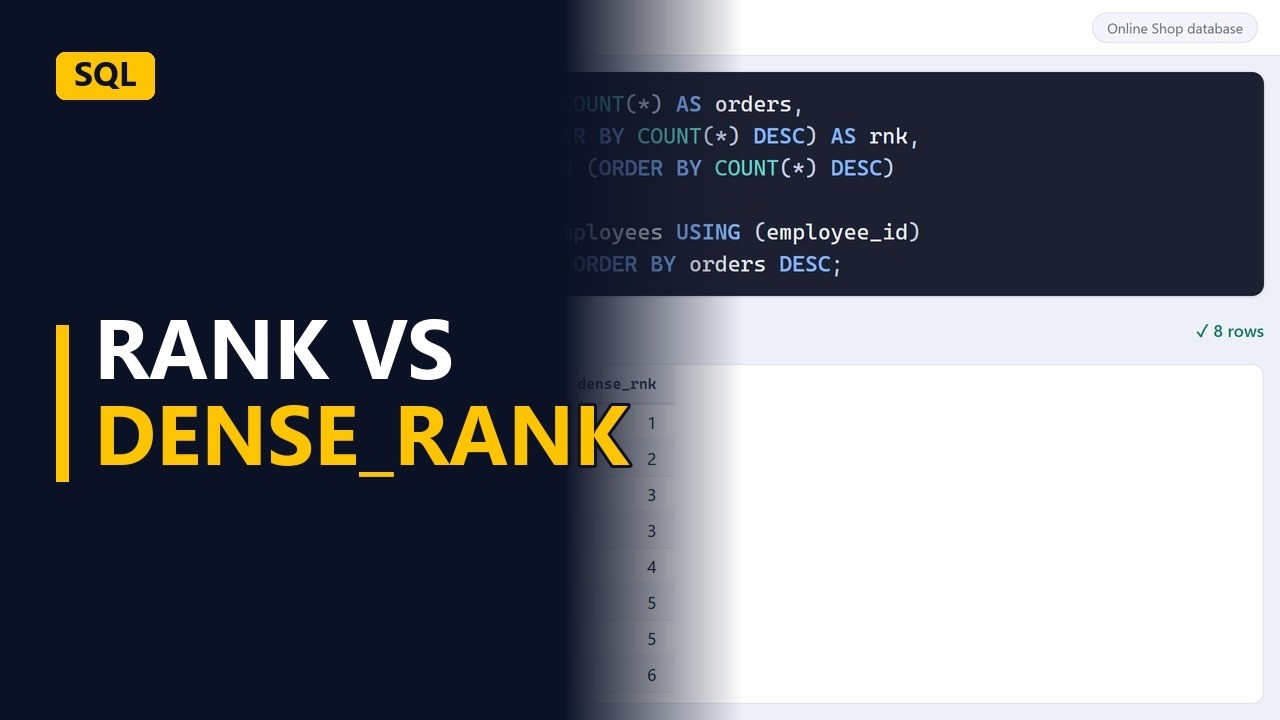
RANK and DENSE_RANK both give tied rows the same number, but only RANK skips the next number. Rank a sales team by orders and see the difference on real ties, on a sample online shop database.
Step by step
Ranking with ties
- Who is third?. Two salespeople tie for third place. So who is fourth? RANK and DENSE_RANK give different answers. Here we rank a sales team by number of orders and compare the two.
- The employees table. The salespeople's names are in the employees table. Each row in orders has the employee_id of the person who made the sale.
Orders per person
- Count orders. First, count the orders for each salesperson. Join orders to employees with USING (employee_id), group by full_name, and sort by orders, biggest first. The query returns 8 salespeople. 2 of them have 19 orders and 2 have 14. Those are ties.
SELECT full_name, COUNT(*) AS orders FROM orders JOIN employees USING (employee_id) GROUP BY full_name ORDER BY orders DESC;
RANK
- RANK. Add a column with RANK() OVER (ORDER BY COUNT(*) DESC). The person with the most orders gets rank 1. The column is called rnk because RANK is the name of a function. The 2 people on 19 orders both get rank 3. RANK then skips 4, so the next person gets 5. It works like a race with 2 people in third: nobody comes fourth.
AS orders, RANK() OVER (ORDER BY COUNT(*) DESC) AS rnk
DENSE_RANK
- DENSE_RANK. Now add DENSE_RANK() next to it with the same OVER (ORDER BY COUNT(*) DESC) window, and call the column dense_rnk. The window is the same, but the rule is different. Compare the 2 columns. DENSE_RANK also gives the tie a 3, then carries on with 4, so there are no gaps. The last person is 8 with RANK but 6 with DENSE_RANK.
AS rnk,
  DENSE_RANK() OVER (ORDER BY COUNT(*) DESC)
    AS dense_rnk
Which one?
- Which one?. Use RANK when the position matters, like a sales league table. Use DENSE_RANK when you want the top 3 levels, ties included, like everyone on the top 3 order counts.
Recap
- RANK vs DENSE_RANK. Both give tied rows the same number. RANK then skips numbers: 1, 2, 3, 3, 5. DENSE_RANK never skips: 1, 2, 3, 3, 4.
Common mistakes
- Filtering on rnk in WHERE. WHERE runs before window functions, so WHERE rnk <= 3 gives an error. Put the ranking query in a subquery or CTE, then filter on rnk in the outer query.
- Expecting OVER (ORDER BY ...) to sort the results. The ORDER BY inside OVER only decides who gets which number. Keep an ORDER BY at the end of the query too, or the rows can come back in any order.
- Using a rank as a strict top 3. With ties, rnk <= 3 can return more than 3 rows, and dense_rnk <= 3 returns everyone on the top 3 order counts. If you need exactly 3 rows, use ROW_NUMBER.
- Naming the column rank. Some databases, such as MySQL 8, treat RANK as a reserved word, so AS rank gives an error. Use a name like rnk.
When a business analyst uses this
Before a prioritisation workshop, you count how many stakeholder requests each requirement has and rank them. DENSE_RANK brings in every requirement on the top 3 request counts, ties included, so no requirement gets dropped just because it tied with another.
Questions people ask
What is the difference between RANK and DENSE_RANK in SQL, with an example?
If 2 salespeople tie for third, both functions give them a 3. RANK gives the next person 5, while DENSE_RANK gives them 4, so DENSE_RANK never leaves gaps.
What is the difference between ROW_NUMBER, RANK and DENSE_RANK?
ROW_NUMBER gives every row its own number, even when rows tie, and the order within a tie is not fixed unless you add a tie-breaker. RANK and DENSE_RANK give tied rows the same number. RANK then skips numbers and DENSE_RANK does not.
Do RANK and DENSE_RANK work in SQL Server?
Yes, with the same OVER (ORDER BY ...) syntax. SQL Server does not support JOIN ... USING, so write the join as ON orders.employee_id = employees.employee_id.