SQL Subqueries Explained Simply: Customers Above Average Spend
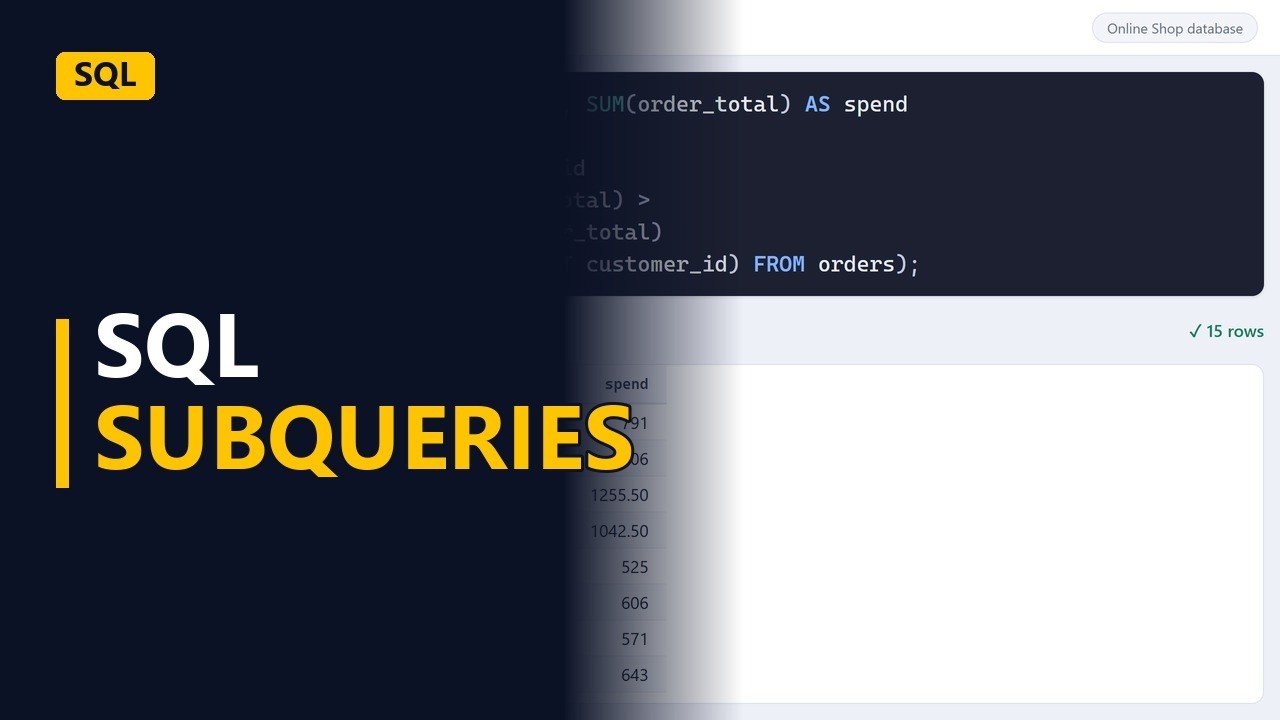
A subquery is a query inside another query. It works out a number you don't know yet, like the average, and the outer query uses it. Find orders above average, customers who ordered in December, and customers who spend more than average.
Step by step
Query in a query
- A query inside a query. Which customers spend more than average? First you need the average, which is a number you don't know yet. A subquery is a query in brackets inside another query, and it works that number out for you.
The inner query
- The inner query. Start with the question inside the question: what is the average order total? SELECT AVG(order_total) AS avg_order FROM orders; works it out. Run it and you get 1 row with 1 number. The average order is about 109.
SELECT AVG(order_total) AS avg_order
FROM orders;
Use the answer
- Inside WHERE. Now put that query in brackets inside a WHERE line: WHERE order_total > (SELECT AVG(order_total) FROM orders). The database works out the inner query first, then uses its answer. 53 orders are above the average. When new orders come in, the average updates by itself, so you never type the number by hand.
SELECT order_id, order_total
FROM orders
WHERE order_total >
  (SELECT AVG(order_total) FROM orders);
A list
- Inside IN. A subquery can also return a list. Here it returns the customer_id of every order dated 1 December 2025 or later. IN then keeps only the customers whose customer_id is on that list. 9 customers come back, a ready list for a thank-you email. Each customer shows once, even if they placed several orders.
SELECT first_name, last_name
FROM customers
WHERE customer_id IN
  (SELECT customer_id FROM orders
   WHERE order_date >= '2025-12-01');
Above average spend
- Spend per customer. Back to the main question. First, get total spend per customer: GROUP BY customer_id groups the orders, and SUM(order_total) AS spend adds up each customer's totals. 34 rows come back, each customer_id with what that customer spent in total.
SELECT customer_id, SUM(order_total) AS spend FROM orders GROUP BY customer_id; - Above average. Remove the semicolon after GROUP BY customer_id and add HAVING SUM(order_total) > (SELECT SUM(order_total) / COUNT(DISTINCT customer_id) FROM orders); below it. The subquery divides all sales by the number of different customers, which is about 450. 15 customers spend more than the average customer. That answers the question in one query.
customer_id
HAVING SUM(order_total) >
  (SELECT SUM(order_total)
   / COUNT(DISTINCT customer_id) FROM orders);
Recap
- Subqueries. A subquery is a query in brackets inside another query, and the database works it out first. Use one for a number you don't know yet, like an average, or for a list to match with IN.
Common mistakes
- Using AVG(order_total) as the average customer spend. AVG(order_total) gives the average order, about 109, not the average spend per customer. For spend per customer, divide SUM(order_total) by COUNT(DISTINCT customer_id), which gives about 450.
- Filtering a total in WHERE instead of HAVING. WHERE runs before the rows are grouped, so WHERE SUM(order_total) > ... gives an error. To filter on group totals, put the condition in a HAVING line after GROUP BY.
- Using > or = with a subquery that returns a list. A comparison like > needs the subquery to return a single value, and most databases give an error if it returns several rows. When the subquery returns a list, like customer IDs, use IN.
- A date filter with no end date. order_date >= '2025-12-01' also picks up January orders and anything later. If you only want December, add AND order_date < '2026-01-01' inside the subquery.
When a business analyst uses this
In a workshop about a new loyalty tier, the business asks how many customers would qualify if the rule were "spends more than the average customer". A HAVING line with a subquery returns that list straight from the orders table. The count can go into the requirements log as evidence before the rule is signed off.
Questions people ask
Why use a subquery instead of typing the average into the query?
A typed number goes out of date as soon as new orders come in. A subquery works out the average again every time the query runs, so the result always matches the current data.
When should I use IN with a subquery?
Use IN when the subquery returns a list rather than one number. For example, WHERE customer_id IN (SELECT customer_id FROM orders ...) keeps only the customers whose ID is on that list.
What is the difference between WHERE and HAVING with a subquery?
WHERE filters single rows, like orders above the average order. HAVING filters groups after GROUP BY, like customers whose total spend is above the average customer's spend.