Filter by Date in SQL (Last 30 Days, Last Month, This Month)
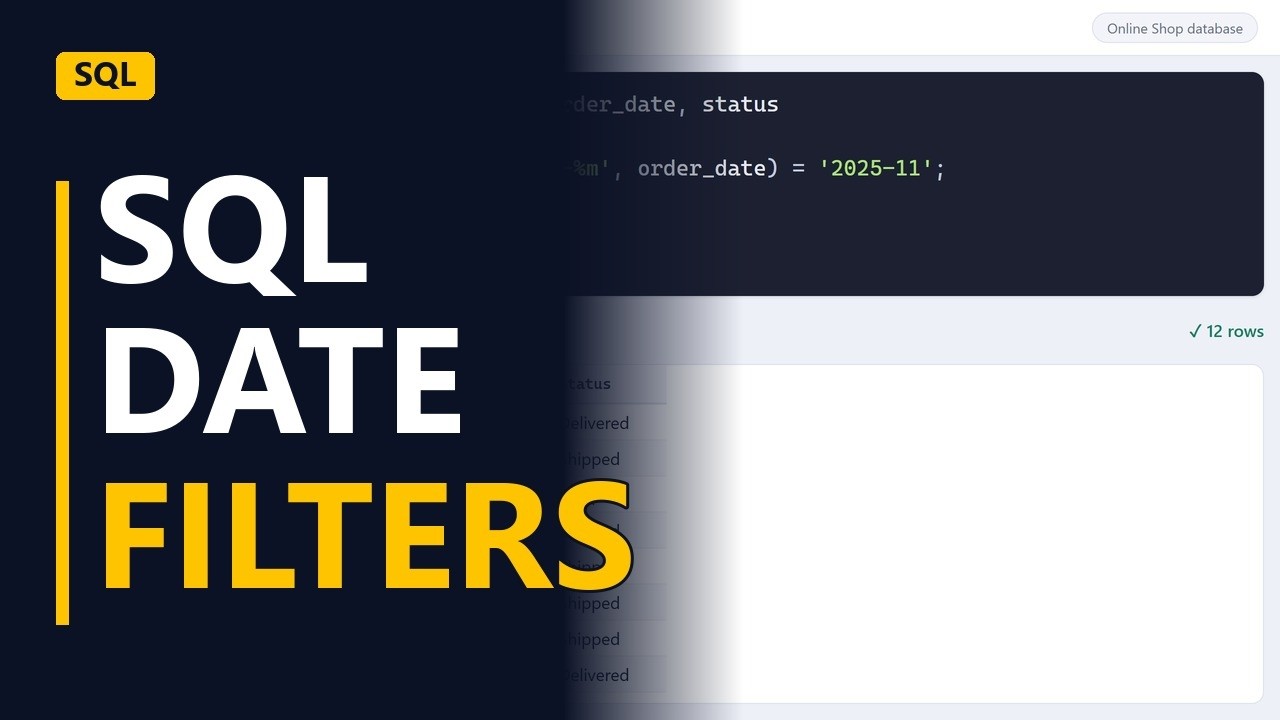
Report questions are date questions: the last thirty days, last month, this month. Filter orders by a fixed date, by a date worked out from today, and by a whole month, on a sample online shop database.
Step by step
Date filters
- Report dates. Most report questions are about dates: orders from the last 30 days, sales from last month, this month so far. Here are 3 ways to write those filters in SQL.
- The orders table. The orders table stores order_date as year-month-day, like 2025-12-01. In that format, dates sort and compare in the right order.
A fixed date
- A fixed date. Start with a fixed date. WHERE order_date >= '2025-12-01' keeps orders on or after 1 December. Put the date in quotes, year first. It returns 12 orders from December onwards. The catch: next month you have to edit the date by hand.
SELECT order_id, order_date, status FROM orders WHERE order_date >= '2025-12-01';
Last 30 days
- Last thirty days. Let the database work out the date instead. Replace '2025-12-01' with DATE('now', '-30 days'), which means 30 days before today. This is SQLite. Other databases write it differently, but the idea is the same. It returns 0 rows because the practice data ends in 2025, so nothing is that recent. On live data, this is the line you would save in your report. To test it on old data, swap 'now' for a fixed day. With '2025-12-31', the filter pretends today is 31 December. Now it returns 12 orders from the last 30 days. Put 'now' back for a live report, and the window moves forward with the calendar.
DATE('now', '-30 days')'2025-12-31'
Last month
- A whole month. For a whole month, use 2 conditions: order_date >= '2025-11-01' AND order_date < '2025-12-01'. Using less than the next month's first day works for every month length. It returns 12 orders in November, from the 1st to the 30th, with nothing missed.
SELECT order_id, order_date, status
FROM orders
WHERE order_date >= '2025-11-01'
  AND order_date < '2025-12-01';
Match the month
- Match the month. Another way: strftime('%Y-%m', order_date) turns each date into just the year and month, like 2025-11. Then match it with = '2025-11'. You get the same 12 November orders. It is easier to read, but on a very large table the range from before is usually faster.
strftime('%Y-%m', order_date) = '2025-11'
Recap
- Date filters. To sum up: write dates year first in quotes, use DATE('now', '-30 days') for a rolling window, and for a whole month use on or after the 1st and before the next month's 1st.
Common mistakes
- Using BETWEEN with the last day of the month. If the column also stores a time, BETWEEN '2025-11-01' AND '2025-11-30' misses orders later on 30 November. Use < '2025-12-01' instead.
- Dates not stored year first. SQLite stores these dates as text, so '01/12/2025' compares letter by letter, not as a date. Store and type dates as YYYY-MM-DD, like '2025-12-01'.
- Thinking a rolling filter is broken on old data. DATE('now', '-30 days') returns 0 rows when the data ends in 2025. To test it, swap 'now' for a fixed day like '2025-12-31', then put 'now' back.
- Wrapping the column in strftime on a big table. strftime('%Y-%m', order_date) = '2025-11' is easy to read, but it usually stops the database from using an index on order_date. On large tables, use the >= and < range.
When a business analyst uses this
A stakeholder asks for 'last month's orders' in a monthly report requirement. The BA checks the numbers with order_date >= '2025-11-01' AND order_date < '2025-12-01', and writes down in the requirement whether the report means a calendar month or a rolling 30 days, before sign-off.
Questions people ask
How do I filter by a date range in SQL?
Use 2 conditions: order_date >= '2025-11-01' AND order_date < '2025-12-01'. Using less than the next start date catches every day in the range, even when times are stored.
How do I filter for the last 30 days in SQL Server?
SQL Server doesn't have DATE('now', ...). Use WHERE order_date >= DATEADD(day, -30, GETDATE()). The idea is the same: work the date out from today.
How do I filter by date in SQL without the time?
Use a range, not =. order_date >= '2025-11-30' AND order_date < '2025-12-01' catches every time on 30 November. = '2025-11-30' misses rows that store a time.


