What Is Excalidraw? The Free Sketch Whiteboard for BAs
Excalidraw is a free hand-drawn whiteboard that runs in your browser, with no account. See what it is good for, quick sketches in meetings and workshops, and what it is not good for: formal BPMN or UML, big diagrams and long-lived documentation. Example: a made-up online shop returns process.
Step by step
What Excalidraw is
- What is Excalidraw?. Excalidraw is a free whiteboard for quick, hand-drawn-style sketches in meetings. Below, we build a small workshop sketch, then look at when not to use it.
- excalidraw.com. Go to excalidraw.com. It's free, runs in your browser and needs no account. An empty canvas is ready straight away.
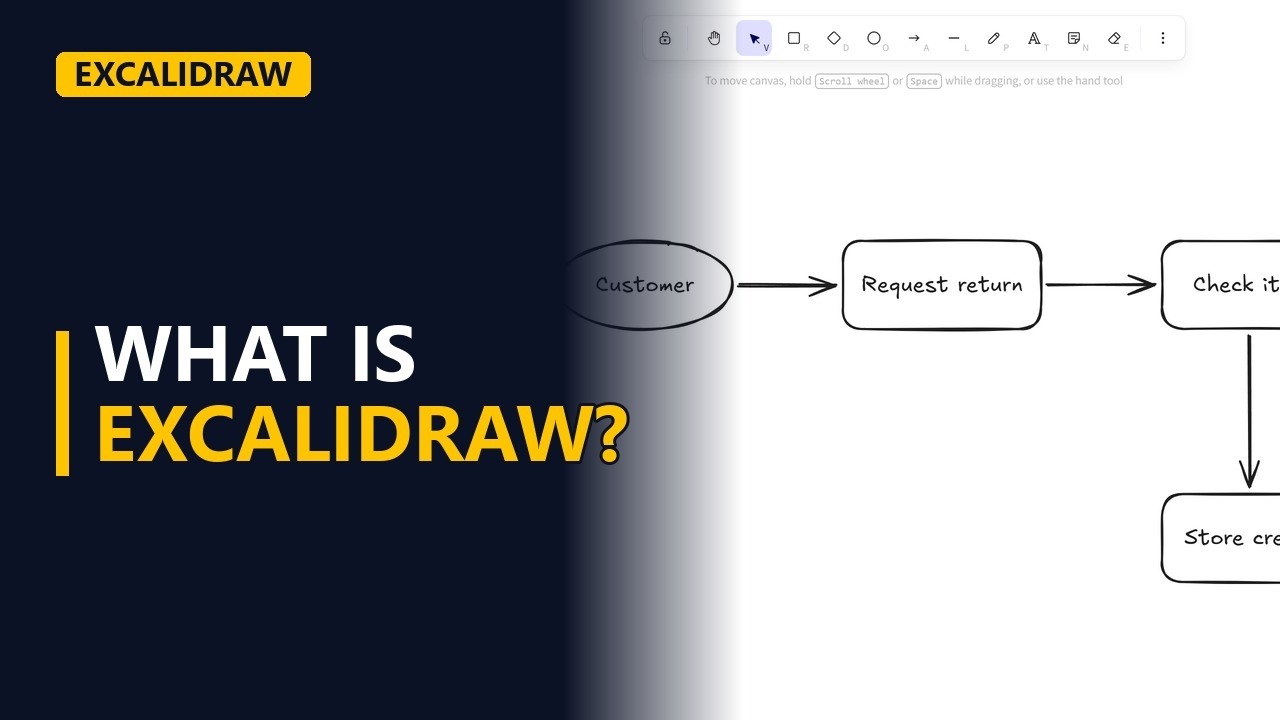
- The toolbar. The tools sit in the toolbar at the top, including rectangle, diamond, ellipse, arrow and text. Those 5 cover most quick sketches.
A quick meeting sketch
- Sketch it live. Say you're in a workshop about returns for a made-up online shop. Someone says the process starts with the customer, so draw an ellipse and type Customer. The customer asks to send an item back. Draw a rectangle next to the ellipse and type Request return. Drag an arrow from Customer to Request return. It attaches to both shapes, so it stays connected when you move them. Next, the warehouse checks the item that comes back. Draw another rectangle and type Check item. Draw an arrow from Request return to Check item. Then the customer gets their money back. Draw a rectangle below Check item and type Pay refund. Finish with an arrow down from Check item to Pay refund.
- Change it fast. Someone says the shop gives store credit, not cash. Select the Pay refund box, press Enter and retype it as Store credit. Changes take seconds, so the sketch keeps up with the conversation.
Why it looks hand-drawn
- Rough on purpose. The hand-drawn look is on purpose. A rough sketch looks like a draft, so people discuss the idea, not the colours and fonts.
What it's not for
- Not for formal work. Excalidraw is not the right tool for formal BPMN or UML with strict notation, big diagrams with 50 or more shapes, or documents that must last for years. Use draw.io or Visio for those.
- The finished sketch. Click an empty spot on the canvas to clear the selection and see the finished sketch: 4 shapes and 3 arrows, drawn in about a minute while people talk.
Recap
- The rules. Excalidraw is free, needs no account and suits quick sketches in meetings, where the rough look keeps people on the ideas. For formal notation or long-lived documents, switch to draw.io or Visio.
Common mistakes
- Thinking the drawing is saved somewhere safe. Without an account, Excalidraw keeps the canvas in your browser on that device, so clearing browser data or changing computers loses it. Save it as a .excalidraw file or export a PNG before you close the tab.
- Dropping an arrow in empty space. If the arrow doesn't start and end on the shapes, it isn't attached and stays behind when you move a box. Drag it from one shape onto the other so it sticks to both.
- Using the sketch as the formal process map. Excalidraw doesn't check BPMN or UML notation, and big sketches get hard to manage. Once the flow is agreed, redraw it in draw.io or Visio for sign-off.
- Putting the label beside the shape instead of inside it. Text added with the text tool outside a box is a separate item and stays behind when the box moves. Select the shape and press Enter (or double-click it) so the text goes inside it and moves with it.
When a business analyst uses this
In a requirements workshop, a BA sketches the current returns process live while stakeholders talk, fixing boxes as people correct them, then exports a PNG for the meeting notes. Once the flow is agreed, they redraw it in draw.io or Visio as the process map for sign-off.
Questions people ask
Is Excalidraw free, and do I need an account?
Yes, excalidraw.com is free and runs in your browser. You can start drawing straight away without making an account.
Can I use Excalidraw for BPMN or UML diagrams?
You can draw boxes and arrows that look like them, but Excalidraw doesn't enforce strict notation. For formal BPMN or UML, use draw.io or Visio.
Where does Excalidraw save my drawing?
Without an account, the canvas is kept in your browser on that device. To keep it or share it, save it as a .excalidraw file or export it as an image.