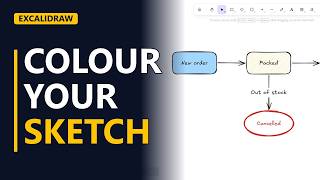
Excalidraw vs draw.io: Which Should a BA Use?
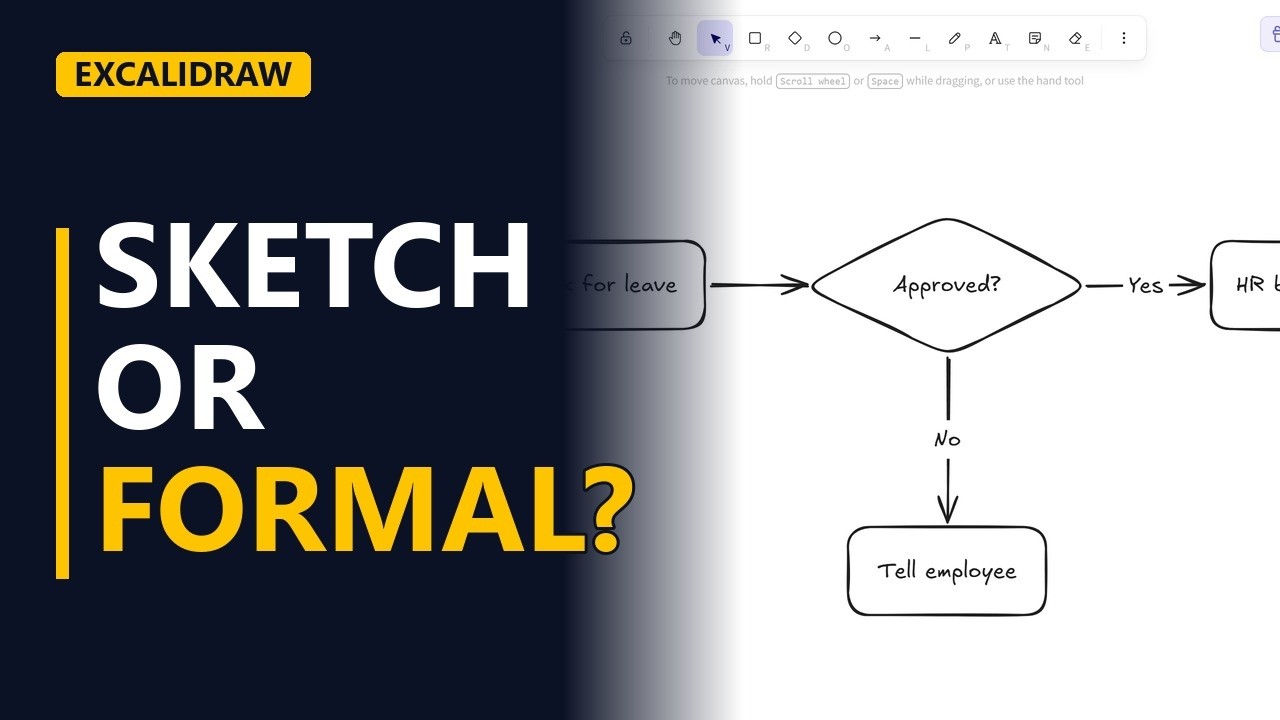
Excalidraw and draw.io are both free, but they do different jobs. Sketch a small leave request flow in Excalidraw and hear when its fast, rough look wins and when a business analyst should switch to the neat, formal shapes of draw.io.
Step by step
Two free tools
- Excalidraw vs draw.io. Excalidraw or draw.io? Both are free, so which should a business analyst use? Here's the leave request flow we'll build in Excalidraw, and as we draw, I'll tell you when draw.io is the better pick.
- Start in seconds. Go to excalidraw.com. No account and no file to set up, you just start drawing. draw.io is free too, but it usually asks where to save your diagram first.
Sketch it fast
- Sketch fast. An employee asks for time off. Draw a rectangle, press Enter and type. Ask for leave. The manager decides, so draw a diamond and ask a short question. Approved? Drag an arrow from edge to edge. It glues to both shapes, just like in draw.io. If the manager says yes, the leave is booked. Put that box on the right. Arrow from the diamond to the box, press Enter, and type yes. If the answer is no, someone has to tell the employee. Put that box under the diamond. Arrow down from the diamond, labelled no. That's the whole flow, in well under a minute.
Sketchy vs neat
- Rough on purpose. See the wobbly, hand-drawn lines? In draw.io the same flow comes out neat, with straight lines and clean fonts. Rough looks like a draft, so people argue about the idea, not the colours.
- Change it live. In the workshop, someone says HR does the booking. No problem. Select the box, press Enter, and retype. Excalidraw keeps up with the talk.
When draw.io wins
- When draw.io wins. Now switch to draw.io when it has to be formal. It has ready shape sets for BPMN, UML and swimlanes, keeps big diagrams tidy, and saves a file you can keep for years.
- The finished sketch. Click an empty spot to see the finished sketch. Four shapes, three arrows, and both paths out of the decision are labelled.
Recap
- The rules. So, sketch in Excalidraw when you need speed, like a workshop or a first draft. Switch to draw.io when it must be neat, formal and kept. Many analysts do both.