How to Make a Flowchart in draw.io: A Refund Process
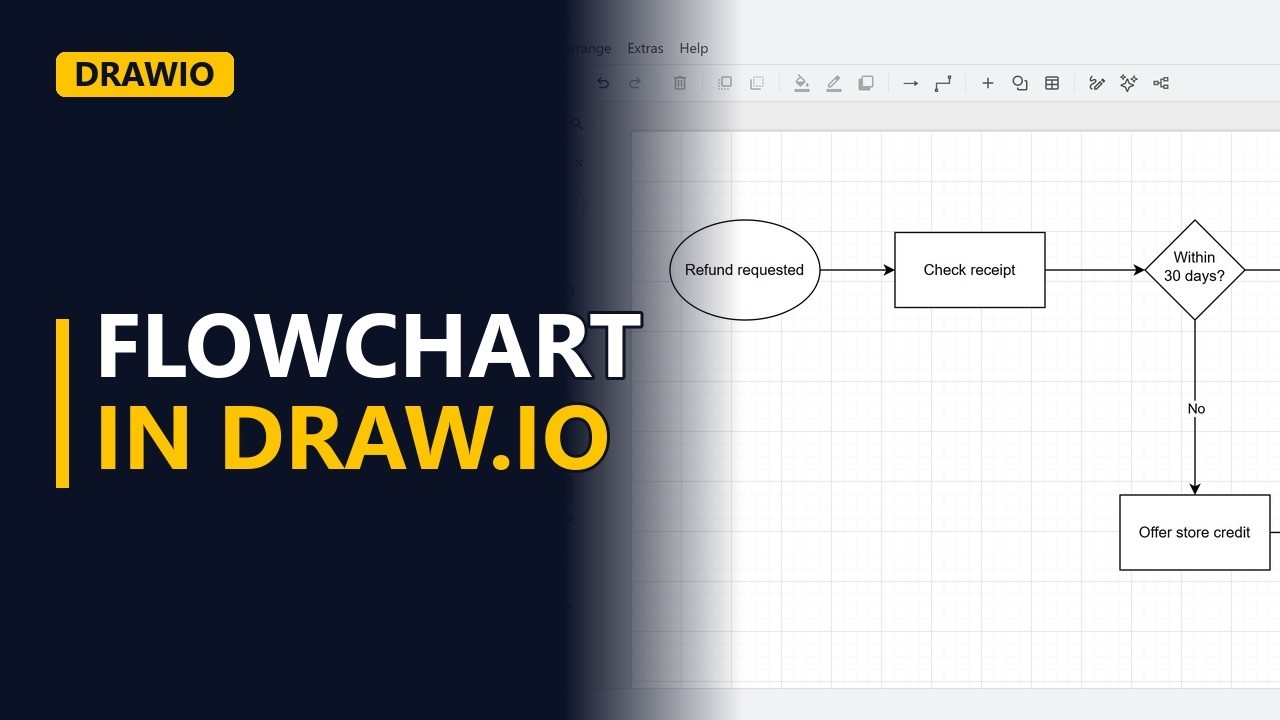
Make a clear flowchart for free in draw.io. Learn the four shapes every flowchart needs: one start, steps, a decision with labelled yes and no paths, and an end that every path reaches, using a shop's refund process.
Step by step
Why a flowchart
- Flowchart in draw.io. When a customer asks for a refund, what happens next? A flowchart shows the answer in one picture, and everyone reads it the same way. Here we build a shop's refund process in draw.io.
- Blank diagram. Go to app.diagrams.net and start a blank diagram. The shapes are in the panel on the left.
Start and steps
- One start. Every flowchart has exactly one start. From the General shapes, drag an ellipse onto the page. Double-click the ellipse and type the trigger, the event that starts the process: Refund requested.
- Steps. A rectangle is a step. Drag one onto the page and name it with a verb and a noun: Check receipt. Hover over the start shape and blue arrows appear around it. Drag the right-hand arrow onto Check receipt, and a connecting line joins the two shapes.
The decision
- Decision. A diamond is a decision. Drag one onto the page and type one short yes or no question: Within 30 days? Connect Check receipt to the diamond the same way, by hovering and dragging a blue arrow onto it.
- Label the paths. If the answer is yes, the shop pays the money back. Add a rectangle to the right of the diamond and label it Refund money. Connect the diamond to Refund money, then type Yes on the line. Every path out of a decision needs a label, or readers can't tell which way to go. If the request is too late, the shop offers store credit instead. Put a rectangle under the diamond and label it Offer store credit. Connect the diamond down to Offer store credit and label that line No.
End every path
- End every path. Now add the end. Drop another ellipse under Refund money and label it Request closed. Connect Refund money down to Request closed. The No path needs an ending too. Connect Offer store credit across to the same Request closed shape. This is the line people most often forget, which leaves a path going nowhere.
- The finished flowchart. Click an empty spot on the page to deselect everything and see the finished flowchart: one start, clear steps, a decision with labelled paths, and both paths reaching the end.
Recap
- The rules. The rules: start with one ellipse, name each step with a verb and a noun, ask one question in each diamond, label every path out of it, and make every path reach an end.
Common mistakes
- Unlabelled lines out of a decision. A diamond with two plain lines leaves readers guessing which one means yes. Type Yes or No on every line that leaves a diamond.
- A path that goes nowhere. It's easy to finish the main path and forget the other branch, like Offer store credit here. Check that every shape has a line leading on to an end.
- Two questions in one diamond. A question like "Within 30 days and has receipt?" has more than 2 answers, so yes and no don't fit. Split it into 2 diamonds, one question each.
- Vague step names. A box called "Receipt" or "Refund" doesn't say what anyone does. Use a verb and a noun, like Check receipt or Refund money.
When a business analyst uses this
In a process workshop, a business analyst can map the current refund process live in draw.io while staff talk it through. Labelled yes and no paths make the business rules visible, and any branch with no end shows a gap to raise before the requirements are signed off.
Questions people ask
How do I make a flowchart in draw.io?
Open app.diagrams.net, start a blank diagram and drag shapes from the General panel: an ellipse for the start, rectangles for steps, a diamond for each decision and an ellipse for the end. Hover over a shape and drag one of its blue arrows onto the next shape to connect them.
What is a simple draw.io flowchart example?
A shop's refund process: Refund requested, then Check receipt, then the decision Within 30 days? Yes leads to Refund money, No leads to Offer store credit, and both reach Request closed.
How do you make a flowchart step by step?
Start with one trigger, add each step as a verb and a noun, use a diamond for every yes or no question, label every path out of it, and make sure every path reaches an end.