
Recommended hosting
Hosting that keeps up with your content.
This site runs on fast, reliable cloud hosting. Plans start at a few dollars a month — no surprise fees.
Affiliate link. If you sign up, this site may earn a commission at no extra cost to you.
⏱ 15 min read
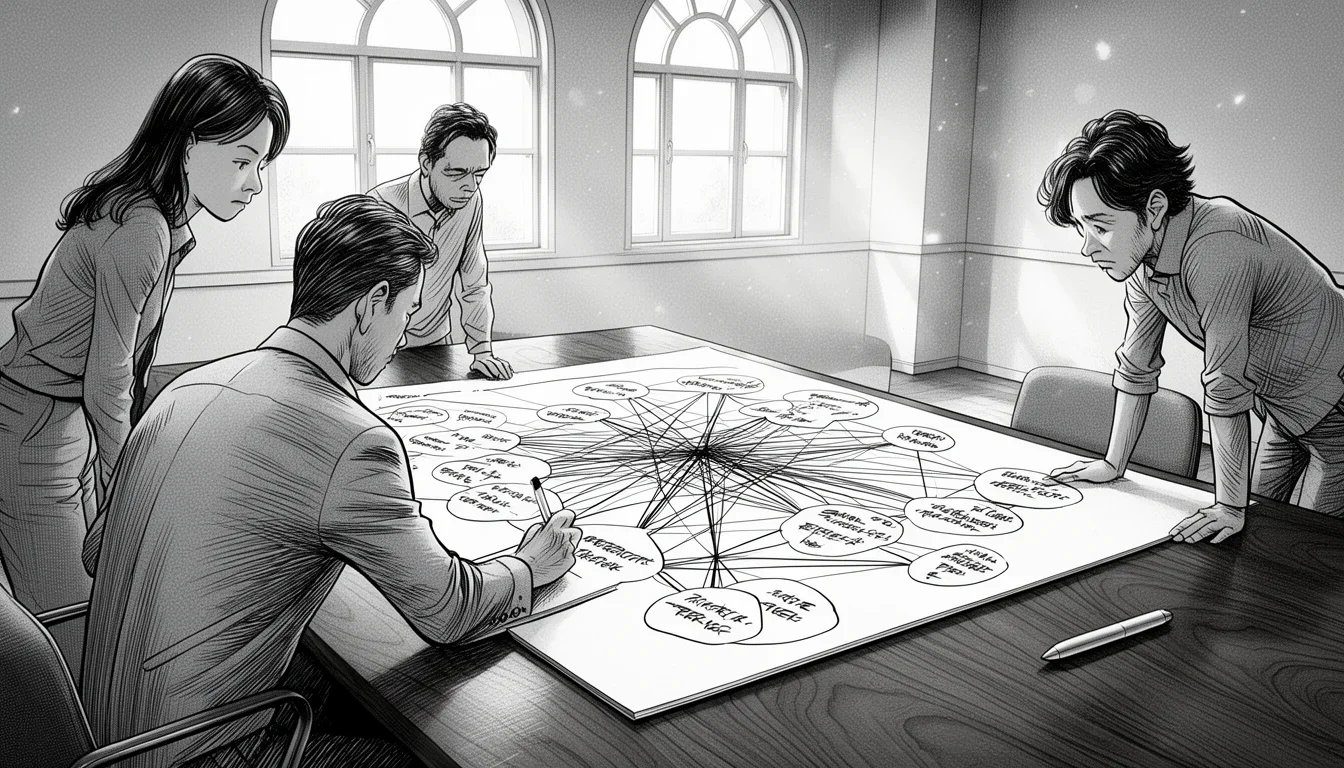
The moment you have twelve different notes on sticky notes, the room starts to look like a crime scene. You stare at the wall, feeling the familiar panic of a mind that has collected too many facts but no structure. This is exactly when you need to stop thinking and start sorting. Using Affinity Diagramming to Organize Complex Ideas Visually isn’t just a pretty trick; it is the only reliable way to handle a brainstorming session that has gone off the rails.
It works because the human brain is terrible at holding abstract connections in working memory but excellent at recognizing patterns in physical space. When ideas are digital or scribbled in a notebook, they remain isolated atoms. When you pull them out, group them, and see the clusters form, the logic reveals itself. It is the difference between looking at a pile of Lego bricks and looking at a castle. One is just plastic; the other is a structure.
This method, originally developed by Jiro Kawakita in 1965, has survived for decades because it forces a specific kind of discipline on chaos. It demands that you silence your internal critic. You cannot argue with a sticky note. You cannot say “no” to a thought until you have placed it in a bucket that makes sense. This process separates the generation of ideas from the evaluation of ideas, which is a crucial distinction for any team trying to solve a hard problem.
If you are staring at a wall of Post-its and wondering how to make sense of the noise, here is how you take control without losing your mind.
The Mechanics of Grouping Without Judgment
The most common mistake people make is trying to group ideas while they are still thinking about how good or bad those ideas are. They cluster “red paint” and “blue paint” together because they think about color, not because those ideas belong to the same functional group. This is premature categorization, and it ruins the diagram before it starts.
The core mechanic of affinity diagramming is that you must not discuss the content of the notes as you place them. You simply pull a thought out of your head and slap it on the wall. Then you pull another one out and ask yourself, “Does this feel related to the one next to it?” If yes, you move them closer. If no, you leave them alone. This physical act of proximity is the primary sorting mechanism.
Do not try to define categories before you start grouping. Let the ideas tell you what the categories are.
Imagine a product team trying to figure out why customers are leaving. One person writes “slow loading times.” Another writes “confusing checkout process.” A third writes “competitor X has better features.” If you try to group these logically immediately, you might lump “slow loading” with “competitor features” because they both sound technical. But if you just start piling them up, you will naturally see that “slow loading” and “confusing checkout” both belong to a cluster of “User Experience Friction,” while “competitor features” sits alone as a strategic gap.
The physical movement is key. You are not typing; you are moving. The act of walking to a spot on the wall and sticking a note there creates a spatial memory that typing cannot replicate. Your brain registers the location of that idea relative to the other ideas. When you step back and look at the whole board, the gaps between the clusters are just as important as the notes themselves. Those gaps often represent the areas where your data is thin or where your assumptions are weakest.
Breaking the Problem into Manageable Chunks
One of the hardest parts of complex problem solving is the sheer volume of the issue. When you tell a team “we need to fix customer retention,” they often freeze because the problem feels infinite. Affinity diagramming forces a reduction in complexity by breaking the monolith into smaller, digestible clusters.
Start by defining a very broad, vague problem statement. Write it in the center of the wall, like “Why are customers leaving?” Then, have everyone write down every single reason that comes to mind. Do not filter. Do not edit. “High price,” “bad support,” “server crashes,” “hate the logo,” “too many steps to sign up.” Get it all on the wall. At this stage, you might have two hundred sticky notes covering three feet of drywall. It looks terrible. It feels overwhelming.
This is the point where most people quit. They want to start organizing immediately, but the volume is too high. The trick is to let the sorting happen naturally. As you start moving notes into groups, the chaos begins to settle. You will find that “server crashes” and “slow loading” naturally form a cluster around “Infrastructure.” “Bad support” and “confusing instructions” form a cluster around “Onboarding.”
By the time you have finished grouping, you have transformed a vague fear into a set of distinct, manageable problems. You no longer have to solve “retention.” You have to solve “Infrastructure reliability,” “Onboarding clarity,” and “Logo appeal.” These are solvable tasks. The diagram has done the heavy lifting of abstraction.
The goal is not to have a perfect final board. The goal is to have a board that looks different from where you started.
This breakdown is powerful because it allows for parallel work. Once you have your clusters, you can assign teams to tackle specific chunks. The infrastructure team works on the server cluster. The marketing team works on the logo cluster. The problem is no longer a tangled knot; it is a series of distinct threads.
Choosing the Right Medium for Your Brain
The medium you use to capture ideas changes how your brain processes them. Many teams default to digital tools like Miro, Mural, or Lucidchart because they are “modern” and “collaborative.” While these tools have their place, they are terrible for the initial phase of affinity diagramming. A digital board encourages hovering, clicking, and dragging with a mouse. It creates a frictionless experience that often leads to a cluttered, indecisive mess. When you can drag a note anywhere with one click, you rarely make firm decisions about placement.
The gold standard remains physical sticky notes on a physical wall. The friction of sticking a note, the sound of the tape, and the visual weight of the paper force your brain to commit. You have to think about where that note belongs before you stick it. This commitment prevents the “paralysis of choice” that plagues digital tools.
However, physical boards have limits. You cannot easily expand them if you have three hundred notes. They get messy. They get lost. If you are working remotely or in a distributed team, you cannot simply gather everyone around a wall. In these cases, you must adapt.
If you must go digital, choose a tool that mimics the physical constraints of a whiteboard. Use a grid layout that is not infinite. Force users to place notes in specific zones. Use a “drag and drop” interface that requires a deliberate action to move a note between clusters. Avoid tools that allow unlimited scrolling without boundaries.
Another option is a hybrid approach. Have the team brainstorm physically in a meeting room or a dedicated Zoom breakout room with a digital whiteboard open. Capture the ideas on paper, take a photo of the clusters, and then digitize them for further refinement. This captures the best of both worlds: the commitment of paper and the searchability of digital files.
Comparison: Physical vs. Digital for Affinity Diagramming
| Feature | Physical Sticky Notes | Digital Whiteboards |
|---|---|---|
| Decision Friction | High (forces commitment) | Low (easy to move/edit) |
| Spatial Memory | Excellent (physical location) | Poor (scrolling breaks flow) |
| Collaboration | In-person only | Remote/Async friendly |
| Scalability | Limited by wall space | Unlimited cloud storage |
| Best Use Case | Initial brainstorming & grouping | Refinement, voting, and long-term storage |
The table above highlights the trade-offs. If your goal is to organize complex ideas for the first time, physical notes win on almost every metric. If your goal is to refine those ideas with a remote team, digital tools are necessary. Do not try to force a remote team to use physical sticky notes by mailing them boxes of Post-its; it is too expensive and logistically difficult. Use the tool that fits the stage of the work.
Handling the “One-Note” Outliers
Sometimes, after you have grouped your ideas, you are left with a sticky note that doesn’t fit anywhere. It is an outlier. It might be a brilliant idea that is currently irrelevant to the problem at hand. It might be a weird observation that no one else is making. Or, it might be a typo that someone accidentally wrote down.
The instinct is to delete it or force it into a group where it barely fits. Do not do this. Deleting an outlier is a sign that your grouping logic is too rigid. If a note stands alone, it is often the most important finding in the entire diagram. It represents an anomaly that your current mental model cannot explain.
Create a specific cluster called “Outliers” or “Exceptions” and place the note there. This validates the existence of the idea without forcing it into a false category. Later, during the analysis phase, you can investigate why this outlier exists. Is it a unique case that needs its own solution? Is it a data point that indicates a flaw in your research?
An outlier is not a mistake. It is often the key to understanding a hidden constraint or a unique opportunity.
For example, if you are analyzing customer complaints about a software product, and one person writes “I hate the color blue,” and everyone else is talking about functionality, that note is an outlier. It might seem trivial. But if the software is used by a culture where blue is associated with bad luck, that single note becomes a critical insight. By isolating it, you prevent the rest of the team from dismissing it as “just one person” while still acknowledging its presence.
Sometimes, outliers turn out to be the missing link. When you look at the main clusters, you might see a gap. The outlier might be the piece that bridges that gap. By keeping them separate initially, you allow the outlier to speak for itself before trying to force it into a narrative that doesn’t fit.
Turning Clusters into Actionable Strategies
The diagram is only half the battle. Having a beautiful wall of organized sticky notes means nothing if you do not translate those clusters into action. The final step of Using Affinity Diagramming to Organize Complex Ideas Visually is to turn the visual clusters into concrete next steps. This is where the abstract becomes operational.
Once the clusters are formed, go through each one and ask, “What is the core theme here?” Give each cluster a title. Write it on a large piece of paper or a digital label. “User Experience Friction,” “Infrastructure Reliability,” “Strategic Gaps.” These titles become the headers for your project plan.
Next, for each cluster, determine the priority. Not all clusters are equally urgent. Use a simple voting system. Have every team member place a dot on the cluster they think is the most critical. Or, have them use a traffic light system: Red for “Must fix now,” Yellow for “Should fix soon,” Green for “Nice to have.” This moves the diagram from a brainstorming tool to a prioritization tool.
Finally, assign ownership. Who is responsible for the “Infrastructure Reliability” cluster? Who owns “User Experience Friction”? Assigning ownership creates accountability. The diagram should then be handed over to the project manager or the relevant team leads. The sticky notes can be archived, but the titles and the priorities should be entered into the project management system (Jira, Asana, Trello, etc.).
This transition is critical. If you leave the work on the whiteboard, the diagram becomes a decoration. It becomes a snapshot of a moment in time rather than a roadmap for the future. The value of the affinity diagram is in the action it generates, not the art it produces.
Common Pitfalls and How to Avoid Them
Even with a clear process, teams often stumble. Here are the most common mistakes I see and how to sidestep them.
- The “Perfect Category” Trap: Teams spend too much time arguing about what a cluster should be called. They get stuck on semantics. Avoid this by focusing on the content of the notes, not the name of the group. The name is a label; the relationship is the truth. Rename the cluster later if needed.
- The “Solo Sort” Syndrome: One person tries to organize everything while others watch. This leads to bias. Ensure that everyone participates in the sorting. The best results come when two or three people sort the same set of notes together, debating the placement until they agree.
- The “Brain Dump” Overload: If the initial list of ideas is too long, the grouping becomes impossible. Limit the brainstorming session to a specific number of notes (e.g., 50-100) to keep the sorting manageable. If you have too many ideas, do another round of filtering before you start grouping.
By avoiding these pitfalls, you ensure that the diagram remains a tool for clarity rather than a source of confusion.
Use this mistake-pattern table as a second pass:
| Common mistake | Better move |
|---|---|
| Treating Using Affinity Diagramming to Organize Complex Ideas Visually like a universal fix | Define the exact decision or workflow in the work that it should improve first. |
| Copying generic advice | Adjust the approach to your team, data quality, and operating constraints before you standardize it. |
| Chasing completeness too early | Ship one practical version, then expand after you see where Using Affinity Diagramming to Organize Complex Ideas Visually creates real lift. |
FAQ
How long does an affinity diagramming session take?
A typical session takes between 60 and 90 minutes. The first 20 minutes are for the “brain dump” where ideas are generated rapidly. The next 40-50 minutes are for sorting and grouping. The final 10-20 minutes are for naming clusters and prioritizing. Do not rush the sorting phase; that is where the real thinking happens.
Can I do this with a remote team?
Yes, but it requires more effort. Use a digital whiteboard that mimics physical sticky notes (like Miro or Mural). Have everyone in breakout rooms to write their ideas individually, then return to the main room to sort. The lack of physical presence makes the “friction” of decision-making harder, so you may need to facilitate more explicitly to ensure commitment to placement.
What if we run out of sticky notes?
This is a good sign. It means you have generated a lot of ideas. Buy more notes, or use index cards. Do not stop the session because you are running out of material. The quantity of input is better than the quality of input at this stage. You can always cut notes in half to fit more on the board.
Should we write full sentences on the notes?
No. Write short phrases or keywords. Full sentences take too much time to read and clutter the board. Use fragments like “Login is slow” instead of “The login process takes too long and frustrates users.” Keep it brief so you can see the relationships at a glance.
How do we handle conflicting opinions during sorting?
Conflict is normal. If two people disagree on where a note belongs, put a small flag on the note. Leave it in a neutral area until the group can discuss it. Do not let the disagreement stall the entire session. Move on to other notes and circle back to the flagged items later.
What if the diagram looks messy and unorganized?
A messy diagram is better than a forced one. If the clusters are not forming naturally, it means the data is too noisy or the problem is too vague. Do not force a structure that doesn’t exist. Re-evaluate your problem statement or gather more data before trying to organize again.
Conclusion
Organizing complex ideas visually is not about creating a pretty chart. It is about imposing structure on chaos to reveal the underlying logic. Using Affinity Diagramming to Organize Complex Ideas Visually gives you a method to do this without getting lost in the details. It forces you to slow down, to commit to your thoughts, and to let the patterns emerge naturally.
The next time you are staring at a wall of sticky notes and feeling overwhelmed, remember that the mess is not a failure. It is the raw material. Trust the process. Group the ideas. Name the clusters. And then, finally, start solving the actual problems that are hiding in the piles of paper.
Further Reading: Jiro Kawakita’s original description of the Affinity Diagram
Newsletter
Get practical updates worth opening.
Join the list for new posts, launch updates, and future newsletter issues without spam or daily noise.

Leave a Reply