
Recommended hosting
Hosting that keeps up with your content.
This site runs on fast, reliable cloud hosting. Plans start at a few dollars a month — no surprise fees.
Affiliate link. If you sign up, this site may earn a commission at no extra cost to you.
⏱ 20 min read
Most teams treat the “sprint” as a week-long vacation where they build a perfect product. It isn’t. A Design Sprint is a high-stakes pressure cooker designed to force clarity, not comfort. When you Facilitate Design Sprints to Prototype and Validate Ideas, you are essentially trying to stop time, gather a roomful of smart but distracted people, and make them agree on a risky direction in five days. It is one of the hardest things a product manager or lead designer can do. If you aren’t prepared to disrupt the status quo, skip it. You won’t learn anything.
Here is a quick practical summary:
| Area | What to pay attention to |
|---|---|
| Scope | Define where Facilitating Design Sprints to Prototype and Validate Ideas actually helps before you expand it across the work. |
| Risk | Check assumptions, source quality, and edge cases before you treat Facilitating Design Sprints to Prototype and Validate Ideas as settled. |
| Practical use | Start with one repeatable use case so Facilitating Design Sprints to Prototype and Validate Ideas produces a visible win instead of extra overhead. |
The magic happens when the facilitator acts less like a project manager and more like a referee who knows the rules of chaos better than anyone else. Your job isn’t to generate ideas; that’s the team’s job. Your job is to structure the friction so that the best ideas rise to the top while the ego-driven noise is filtered out. Below is how to actually do it.
The Architecture of the Five Days
The Design Sprint framework, popularized by Jake Knapp and Google Ventures, divides the work into five distinct days. Skipping a day is usually a recipe for disaster. If you compress the process, you lose the incubation period required for users to truly test your assumptions. If you stretch it out, attention wanes, and the momentum dies.
Day 1: Mapping the Problem Space
The first day is about alignment. You are not building anything here. You are trying to answer the question: “What exactly are we trying to solve?” Teams often come to the sprint with a solution in mind. “We need a button that changes color when clicked.” Stop. That is a feature, not a problem. Your job as a facilitator is to dig deeper until the team admits they don’t actually know what the user needs.
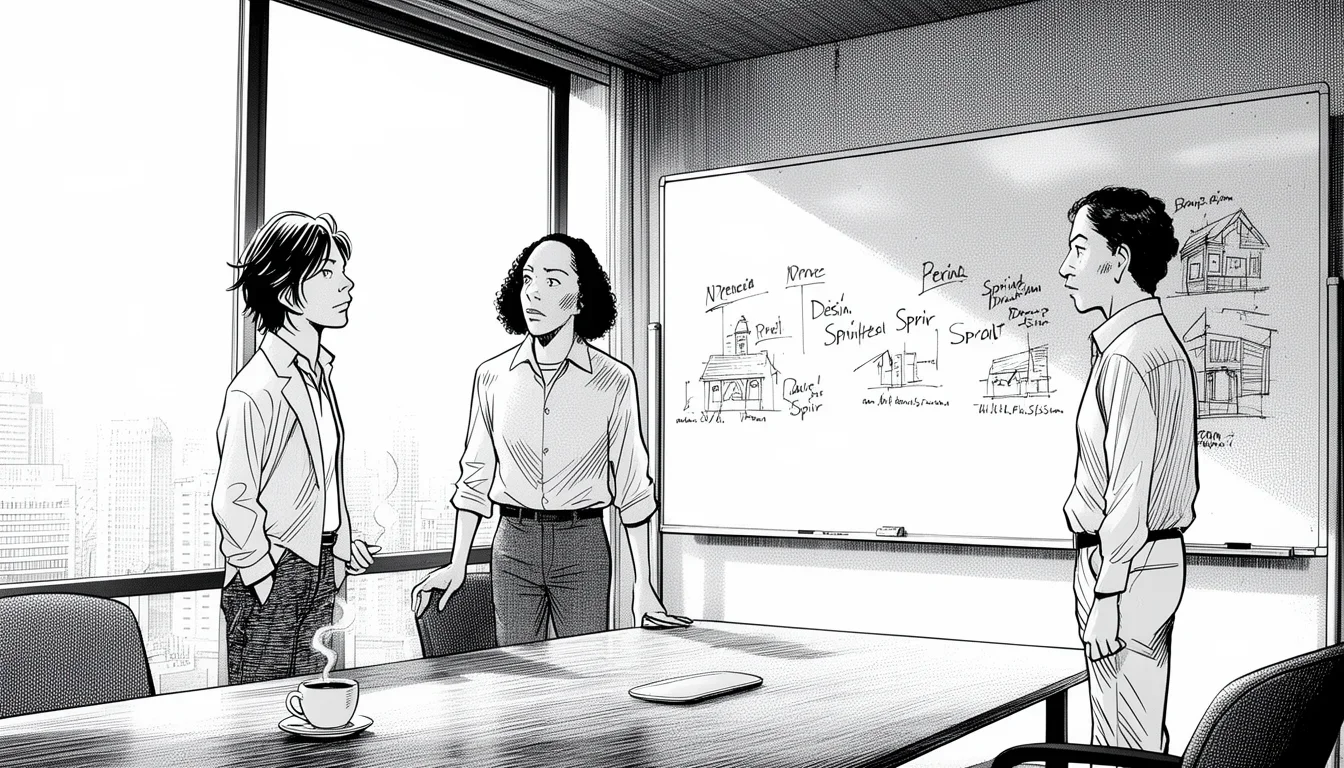
Start by mapping the user journey. Draw the user’s current path through your product on a whiteboard. Where do they get stuck? Where do they drop off? This is where the “Now vs. Future” map becomes critical. You want to visualize the gap between the current reality and the desired future state.
Common Mistake: The team tries to solve the problem on Day 1. They start sketching solutions immediately. This is the fastest way to fail. You need a day of debate and consensus building before any marker touches paper. If the team leaves Day 1 without a shared understanding of the problem, Day 2 will be a complete loss of time.
Day 2: Deciding What to Build
By the second day, the team should be exhausted from the previous day’s intense debate. This fatigue is actually an asset. It makes people more open to new structures. The goal of Day 2 is to decide which ideas from Day 1 are worth pursuing. You will use the “How Might We” (HMW) questions to reframe the problems into opportunities for invention.
You will narrow down the ideas to a single track. Yes, one. It is tempting to run three parallel tracks, but that leads to feature creep and dilution of effort. You need to pick the one idea that solves the biggest pain point for the most users. This is where the “Dot Decision” voting method comes in. Give everyone three dots. They can put them anywhere. This forces them to make a hard choice about what matters most.
Don’t let the team fall in love with a feature before you understand the problem it solves. Features are easy to build; problems are hard to fix.
If the team cannot agree on a single track after several rounds of voting, you have a deeper alignment issue that needs addressing. Pushing forward with disagreement will result in a prototype that no one believes in.
Day 3: Deciding How to Build It
This is the day of the sketch. Every team member draws a prototype of the chosen idea. This is not about artistic skill; it’s about externalizing thoughts. If you can’t draw it, you don’t understand it well enough. You will get about three hours of sketching time. Then, you critique those sketches. The goal is to find the flaws in the logic before you ever touch code.
The critique phase is intense. You must establish a “no ego” rule. Critiques are about the idea, not the person who drew it. “I don’t like this flow” is better than “Your UI is bad.” You are looking for the “what if” scenarios. What happens if the user gets confused here? What if the internet goes down?
This is the most dangerous day for a facilitator. You must prevent the “expert bias” from taking over. Usually, the senior developer or the most senior designer tries to dictate the best way to build the thing. Your job is to ensure everyone contributes. If the junior developer has a wild idea that works better than the senior’s, encourage it. Innovation often comes from the edges of the team.
Day 4: Building the Prototype
Day 4 is where the magic happens. You are not coding. You are not designing a pixel-perfect interface. You are building a “fake” prototype that looks and feels real enough to fool your users. This is often called “The Fake Door” technique. It might be a Figma mockup with clickable hotspots, or a short video, or a physical storyboard.
The rule is simple: Make it so real that the user doesn’t suspect it’s fake. If the user realizes they are clicking a static image, the data you collect will be worthless. They might say “yes” just to please you, or they might ignore the “no” option because they think it’s broken.
Spend the entire day building. No meetings. No emails. Just building. The facilitator’s role here is to manage the energy. As the afternoon wears on, fatigue sets in, and the quality of work drops. Keep the team focused. Remind them of the goal: we are building a testable artifact, not a final product. If they start arguing about fonts or colors, stop them immediately. Get back to the core functionality.
Day 5: Testing with Real Users
The final day is about truth. You take your prototype to real users. You don’t tell them it’s a prototype. You tell them it’s a new product you are building. You watch them use it. You ask them what they think. You listen. You do not explain. If they get confused, let them get confused. That is the data you need.
This is where the validation happens. Did they understand the value proposition? Did they like the flow? Were there friction points you didn’t see? You will run about five users per sprint. Each user session takes about 45 minutes. You need to schedule these sessions carefully. Don’t rush the users. Let them struggle with the prototype. That struggle is where the insights lie.
After the tests, you gather for a retrospective. What did we learn? What was a surprise? What do we do next? The sprint is over. You have validated (or invalidated) your idea. You now have the data to decide whether to build the full product, pivot, or kill the project.
The Art of the Facilitator
Facilitating a Design Sprint is not about following a checklist. It is about managing human dynamics under extreme time pressure. You are the conductor of an orchestra where every musician is playing a different instrument, and the song has to be finished in five days.
Managing the Ego
One of the biggest challenges is managing the “expert bias.” In most teams, the most senior person has the loudest voice. They believe they know better than everyone else. During a sprint, this person can derail the whole process if they shut down ideas before they are fully explored. Your job is to create a psychological safety net.
Use techniques like “round robin” voting. Instead of letting people shout out ideas, go around the table and ask each person to contribute one idea. This ensures quieter voices are heard. If the senior person dominates, gently interrupt them. “That’s an interesting point, but let’s hear from Sarah first.” This small act of redirection can change the entire dynamic of the room.
Another tactic is to assign roles. Give the senior developer the role of “User Advocate” for the day. Ask them to imagine they are the customer and to challenge the design from that perspective. This forces them to step out of their comfort zone and look at the problem from a different angle.
Handling the “No” Day
Day 5 is often called “No Day” because you might find out that your idea is completely wrong. The team might have spent three days building a prototype that users hate. This can be devastating for morale. As a facilitator, you must be prepared for this outcome.
If the prototype fails, do not panic. Do not blame the team. Instead, celebrate the learning. “We saved three weeks of development by finding this out now.” Frame the failure as a success. The team needs to understand that testing is not about proving they are right; it is about proving what works. If you don’t build it, you won’t know if it works until you launch it to the public, which is much more expensive.
The cost of a failed sprint is a few days. The cost of a failed launch is your reputation and your budget.
If the prototype fails, the team has two options: pivot (change the idea) or persevere (try to fix it). Your job is to help them decide which path to take based on the data. Sometimes, a pivot is as simple as changing the headline or the onboarding flow. Sometimes, it means the whole concept is flawed and needs to be discarded.
Keeping the Momentum
Time is the enemy. Every minute spent in a meeting that could have been a sketch or a test is a minute lost. As a facilitator, you must be ruthless about time management. Use a visible timer. When the timer goes off, stop. No more debating. Move to the next agenda item.
If the team is stuck on a decision, don’t let them spin their wheels. Use a “two-minute rule”. If a discussion doesn’t yield a decision in two minutes, set a time to revisit it later or make a provisional decision and move on. Perfection is the enemy of progress. In a sprint, “good enough” is often better than “perfect.”
Common Pitfalls and How to Avoid Them
Even experienced facilitators stumble. Here are the most common mistakes that derail sprints and how to avoid them.
The “Solution Premature” Trap
This happens when the team comes to the sprint with a solution already in mind. They treat the sprint as a rubber stamp to get approval for their pre-determined idea. This undermines the whole purpose of the process.
How to fix it: On Day 1, explicitly challenge the solution. Ask the team to write down the problem statement first. If they can’t define the problem, they can’t solve it. Force them to reframe the conversation. Use the “Problem Map” to make them confront the reality of the user’s situation before they get comfortable with their preferred solution.
The “Perfectionist” Prototype
On Day 4, the team might try to build a beautiful, polished prototype. They spend hours tweaking colors, adding animations, and refining the UX. This is a waste of time. Users don’t care about the polish; they care about the logic and the value proposition.
How to fix it: Set strict constraints. Tell the team that the prototype must be built in 24 hours. Use low-fidelity tools like paper, sticky notes, or simple wireframing tools. If they start getting too detailed, remind them: “We are testing the hypothesis, not the design system.” The goal is to make the prototype look real enough to fool the user, not to win a design award.
The “False Positive” Test
On Day 5, if you ask leading questions, you will get false positives. “Don’t you love how easy this is to use?” is a terrible question. The user will say yes because they want to be polite.
How to fix it: Use open-ended questions. “What did you think of this flow?” or “How did you feel when you clicked that button?” Avoid yes/no questions. If the user hesitates or looks confused, probe deeper. “What were you expecting to happen here?” This gives you real data, not manufactured agreement.
Decision-Making Frameworks for the Team
One of the most powerful tools in your toolkit is a structured decision-making framework. Without it, teams often get bogged down in endless debate. Here are three frameworks that work well in sprints.
The Crazy 8s
Use this on Day 2 to generate a large volume of ideas quickly. Each team member has eight minutes to draw eight different solutions to the problem. The goal is quantity, not quality. You will likely get some terrible ideas, but that’s fine. The point is to break the mental block and get ideas flowing. Once the ideas are on paper, you can select the best ones to pursue further.
The Crazy 8s for Critique
After the initial sketching on Day 3, use a similar approach to critique. Instead of drawing eight ideas, draw eight variations of the best idea. Look for the flaws in each variation. This helps you see the idea from multiple angles and identify potential issues before building the prototype.
The “Dot Decision” Voting
This is the standard for deciding which ideas to pursue. Each team member gets three dots. They can put them anywhere on the board. This forces them to make a hard choice. If everyone puts their dots on the same idea, that’s your track. If the dots are spread out, you need to go back to the drawing board and refine the ideas.
When in doubt, let the team vote. If they can’t agree, they don’t have enough data yet. Don’t make the decision for them.
These frameworks provide a shared language and a clear process for the team to follow. They reduce the cognitive load and allow the team to focus on the work rather than the process.
When Not to Run a Design Sprint
Not every problem requires a Design Sprint. In fact, using this method for the wrong problem can waste time and money. Here are the scenarios where you should skip the sprint.
You Need to Build a Feature, Not Solve a Problem
If you already know what you need to build and you just need to get it done, a sprint is overkill. If the solution is clear, the problem is solved, and you just need to execute, go straight to development. Don’t waste five days on a sprint. Save it for when you are stuck or unsure.
You Have No Time for the Full Five Days
A Design Sprint requires a full five days. If you try to compress it into two days, you lose the critical thinking and alignment phases. The sprint will become a rushed meeting where people feel pressured to make decisions they aren’t ready for.
Alternative: If you only have two days, consider a “Mini-Sprint”. Focus on just the mapping and sketching phases. Use the time to get alignment and identify the core problem, but don’t build a full prototype. This is a good way to start a larger effort without committing to a full sprint.
You Have No Stakeholder Buy-In
A Design Sprint requires the participation of key stakeholders. If the team is working in a silo and the stakeholders aren’t involved, the sprint will fail. The stakeholders need to be present to provide context, challenge assumptions, and make decisions. If they are not there, the team will make assumptions that might be wrong.
Don’t run a sprint if you don’t have the authority to make the final decision. A sprint can generate great ideas, but someone needs to say “yes” to build them.
If you don’t have the buy-in, the sprint will result in a lot of ideas that never get implemented. This can be more demoralizing than not running the sprint at all.
Measuring Success in a Design Sprint
How do you know if the sprint was successful? It’s not about how many prototypes you built. It’s about the insights you gained and the decisions you made. Here are the key metrics to track.
Alignment Score
Did the team leave the sprint with a shared understanding of the problem? If the team members can explain the problem in the same way, you have achieved alignment. This is a binary metric: yes or no. If the answer is no, the sprint failed.
Validation Confidence
Did the team gain confidence in their next steps? After the sprint, the team should feel confident about whether to build, pivot, or kill the project. If they are still unsure, they haven’t gathered enough data. The goal is to reduce uncertainty, not to create more of it.
Time to Decision
How long did it take to make a go/no-go decision? In a traditional development cycle, this might take months. In a sprint, it should take five days. If you are still debating after the sprint, you need to re-evaluate your process.
User Insights Quality
Did the user testing reveal actionable insights? If the users provided feedback that you can use to improve the product, the sprint was successful. If the feedback was vague or irrelevant, the prototype might not have been good enough, or the questions might have been leading.
Cost Savings
How much money did you save by not building the wrong product? If the sprint helped you avoid building a feature that users don’t want, that is a direct financial win. Calculate the cost of the sprint versus the cost of the failed feature. Usually, the savings are significant.
The best metric is not how many features you built, but how many you didn’t build that weren’t needed.
These metrics help you evaluate the effectiveness of the sprint and improve your process for future sprints. They also help you justify the value of the sprint to stakeholders who might be skeptical.
Integrating Sprints into Your Workflow
A Design Sprint is not a one-off event. It should be integrated into your regular workflow. Here is how to make it a habit.
Quarterly Sprints
Instead of running sprints whenever you feel like it, schedule them quarterly. This gives you a predictable rhythm and allows the team to prepare. Use the first quarter to map the problem, the second to prototype, and the third to test. This ensures you are always moving forward with validated ideas.
Cross-Functional Teams
Ensure that your sprint team is cross-functional. Include designers, developers, product managers, and marketers. This ensures that everyone is aligned and that the prototype is realistic. If the team is only made of designers, the prototype might be too idealistic. If it’s only developers, it might be too technical.
Continuous Feedback Loop
Use the insights from each sprint to inform the next. If a sprint revealed a major problem, address it before starting the next sprint. Don’t let the same issues repeat. Create a feedback loop where the output of one sprint becomes the input for the next. This creates a culture of continuous improvement.
Documentation and Knowledge Sharing
Document the results of each sprint. Create a simple report that summarizes the problem, the solution, the test results, and the next steps. Share this with the rest of the organization. This ensures that everyone is aware of what is happening and can learn from the process. Knowledge sharing prevents silos and ensures that the insights from one sprint benefit the whole company.
Final Thoughts
Facilitating Design Sprints to Prototype and Validate Ideas is not about following a rigid process. It is about creating an environment where the team can think clearly, act quickly, and learn from failure. It requires courage, discipline, and a deep understanding of human behavior.
If you are ready to embrace the chaos and the uncertainty, you will find that sprints are one of the most powerful tools in your arsenal. They allow you to move fast without losing your way. They force you to confront the hard questions and make the tough decisions. And most importantly, they ensure that you are building the right product for the right users.
So, grab the markers, clear the whiteboard, and get ready to disrupt the status quo. The clock is ticking, and the future is waiting.
Use this mistake-pattern table as a second pass:
| Common mistake | Better move |
|---|---|
| Treating Facilitating Design Sprints to Prototype and Validate Ideas like a universal fix | Define the exact decision or workflow in the work that it should improve first. |
| Copying generic advice | Adjust the approach to your team, data quality, and operating constraints before you standardize it. |
| Chasing completeness too early | Ship one practical version, then expand after you see where Facilitating Design Sprints to Prototype and Validate Ideas creates real lift. |
FAQ
What is the main goal of a Design Sprint?
The main goal is to solve the most critical problems for your business in five days. It allows you to validate ideas with real users before investing significant time and money in development.
Can I run a Design Sprint with a remote team?
Yes, remote sprints are possible, but they require more preparation and discipline. You need to ensure everyone has the right tools and a quiet environment. Video conferencing works well for the collaboration phases, but be aware that energy levels drop faster in a virtual setting.
How many users should I test with on Day 5?
You typically need to test with five users. This is the minimum number to get statistically significant insights. Testing with more users is possible, but the law of diminishing returns kicks in after five. If you need more data, consider running multiple sprints.
What if the team resists the sprint process?
Resistance usually stems from fear of change or a lack of trust in the process. Address the root cause by explaining the benefits and showing examples of past successes. Involve the team in designing the process itself to give them ownership. If resistance is too high, consider running a smaller pilot sprint first.
How long does it take to prepare for a Design Sprint?
Preparation should start weeks in advance. You need to identify the problem, gather the right team members, and prepare the materials. The day before the sprint, you need to finalize the agenda and ensure everyone is aligned. Rushing the preparation is a common mistake that leads to a disorganized sprint.
What happens if the prototype fails the user test?
If the prototype fails, it means you have learned something valuable. You can either pivot to a new idea or persevere by fixing the identified issues. The key is to not let the failure discourage the team. Use the data to make an informed decision about the next steps.
Further Reading: Google Ventures Design Sprint methodology, Best practices for facilitating remote sprints
Newsletter
Get practical updates worth opening.
Join the list for new posts, launch updates, and future newsletter issues without spam or daily noise.

Leave a Reply