Requirements Traceability in Jira (Stories to Tests)
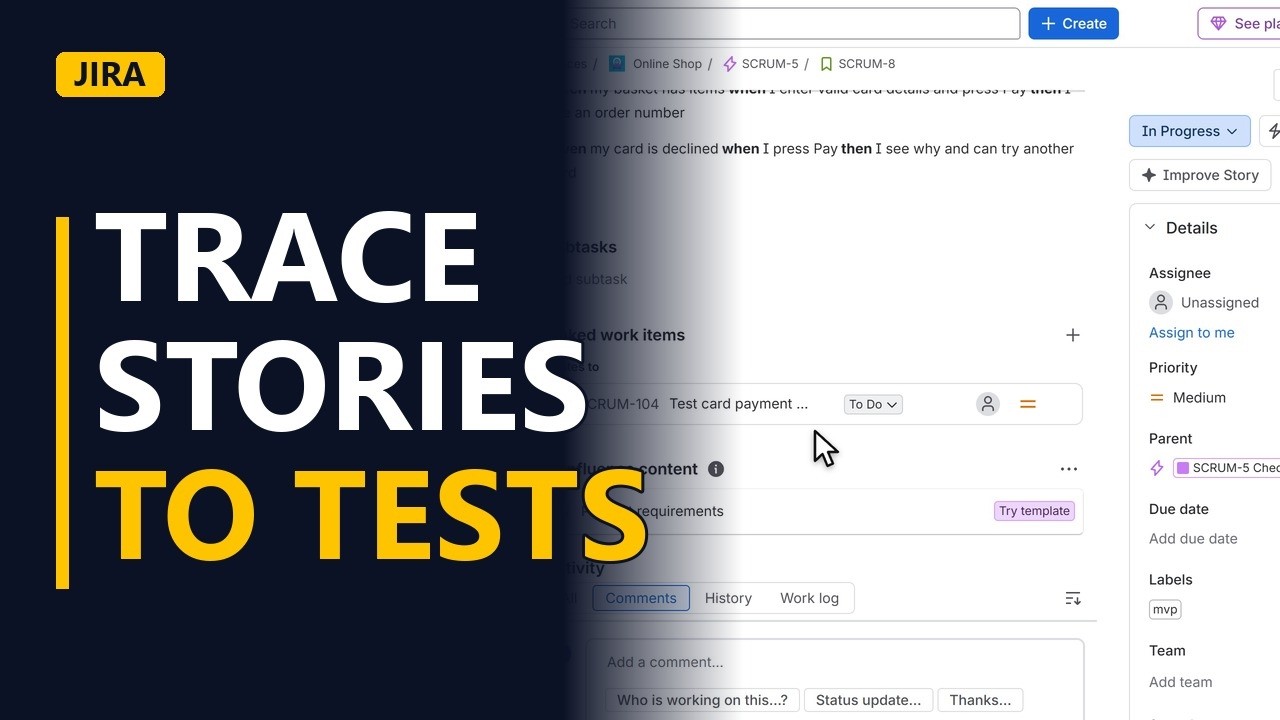
Trace every user story to the test that proves it. Create a test work item in Jira, link it to its story, and see the link from the story's side, step by step on a real Jira site.
Step by step
Why trace
- Stories to tests. Before a release, someone will ask whether every story has been tested. Traceability gives the answer: each user story links to the test that proves it.
The test
- Create the test. The story here is Pay by card at checkout. Its test needs its own work item, so click Create. Click the work type field. Choose Task. If your team uses a test management app, it may add its own Test work type, and you can use that instead. Task is there in a standard Jira project. In Summary, type Test card payment at checkout. Starting with the word Test shows everyone what the work item is for. Click Create to save it. The new task appears at the bottom of the backlog. Click it to open it.
Link it
- Link to the story. Now make the trace. Under Linked work items, click Add linked work item. Open the list of link types. A new Jira site has no tests link type. Your Jira admin can add one. Until then, choose relates to. In the search box, type Pay by card. Click the story Pay by card at checkout in the results. You only need one story here, so click a blank part of the form to close the results list. Click Link. The story now shows under the test's Linked work items.
Check the trace
- Read it from the story. Now open the story itself, SCRUM-8, Pay by card at checkout. Under Linked work items, the story now lists Test card payment at checkout. Anyone reading the story can see how it will be proved. A story with nothing here has no test yet, and that is a gap to fix.
Recap
- Every story, a test. To sum up: give each story a test work item whose summary starts with Test, and link the two so the story shows its test. Before each release, check every story has one.
Common mistakes
- Test links get lost among other relates to links. relates to is used for all sorts of links, so a test can look like any other linked item. Start every test summary with Test, or ask your Jira admin for a proper tests link type.
- Linking the wrong story. A search like Pay by card can bring back several stories with similar names. Check the key, such as SCRUM-8, before you click Link.
- Picking the story but never clicking Link. Choosing the story in the search list doesn't save anything. Click Link, then open the story and check the test appears under Linked work items.
When a business analyst uses this
Before a release sign-off, a business analyst opens each story in the sprint and checks Linked work items for a test. Any story with no test goes on the list to raise with the testers, so the sign-off doesn't cover work that was never proved.
Questions people ask
What is requirements traceability?
It means each requirement or user story can be followed to the work that delivers it and the test that proves it. In Jira, you do this by linking each story to its test work item.
Does Jira have a built-in requirements traceability matrix?
No. Jira gives you links between work items, which hold the trace between each story and its test. For a full matrix view, teams often use a test management app from the Atlassian Marketplace.
Why is traceability important?
It shows whether every story has a test before release, so gaps are found early rather than after go-live. It also shows which tests are affected when a story changes.


