Spikes in Jira: How to Create a Timeboxed Research Story for Unknowns
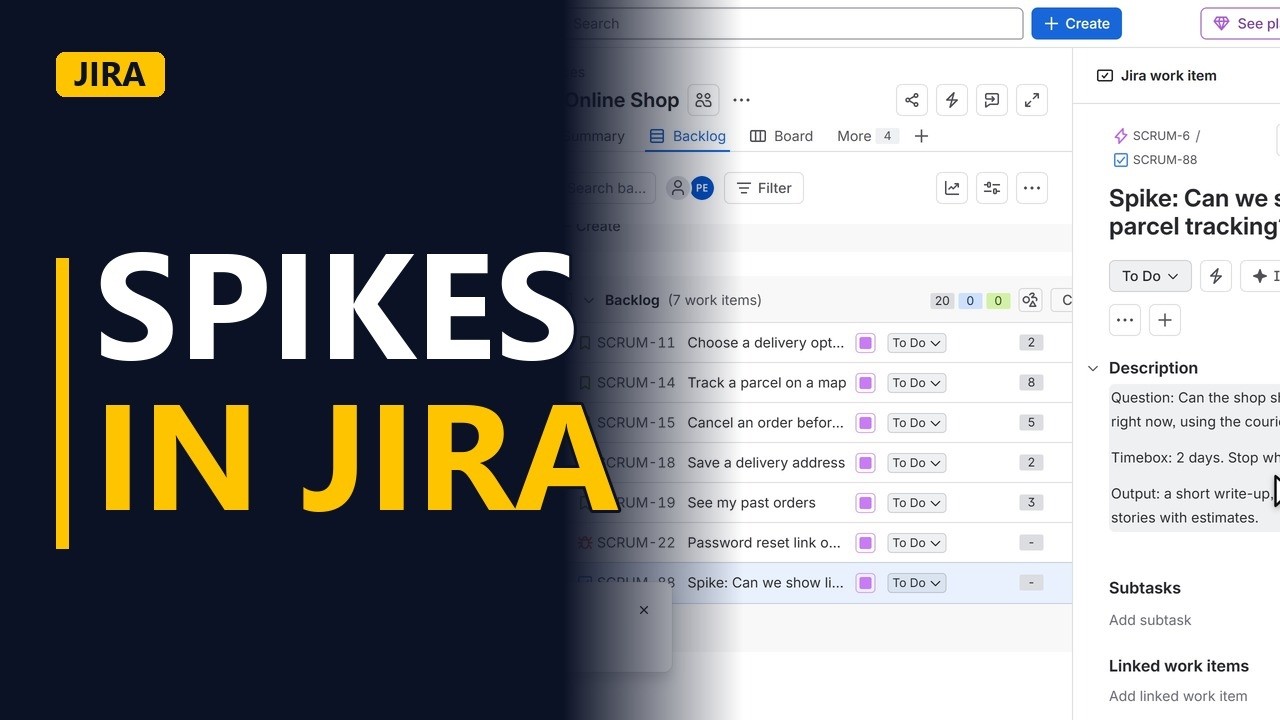
When the team cannot estimate a story because nobody knows the answer yet, write a spike: a short, timeboxed piece of research. Create one in Jira with a clear question, a timebox and the output you expect.
Step by step
What a spike is
- Spikes in Jira. Sometimes the team cannot size a story, because nobody knows the answer yet. That is when you write a spike. A short, timeboxed piece of research that buys knowledge, not code. Let me create one in Jira.
- Create. This is the backlog of our online shop. Click create at the top.
- Pick Task. Jira has no spike type out of the box. Most teams use a task. Click the type at the top of the window. Pick task, the one with the blue tick.
Write the spike
- Spike in the title. Start the summary with the word spike, so everyone spots it on the board. Then the unknown, as a question. Can we show live parcel tracking?
- The question. In the description, write the question the spike must answer. One question, in plain words.
- The timebox. Then the timebox. Two days, and the research stops when the time is up, even without a perfect answer. That stops a spike from eating the sprint.
- The output. And what the team hands back. A short write up, a yes or no, and new stories the team can now estimate.
Link and create
- Parent epic. Link it to the epic it helps. Click parent. Parcel tracking is part of order tracking, so pick that epic.
- Create. Click create.
- In the backlog. The spike sits at the bottom of the backlog, ready to plan into a sprint like any other item. Click it to open it.
- The timebox. The timebox is written down where the whole team can see it. When the two days are up, the team shares what it learned, and closes the spike.
Recap
- Question, timebox, output. So, a spike is research, not code. Start the title with spike, ask one clear question, set a timebox, and say what comes out of it.


