Acceptance Criteria in Jira: Given When Then (Testable Examples)
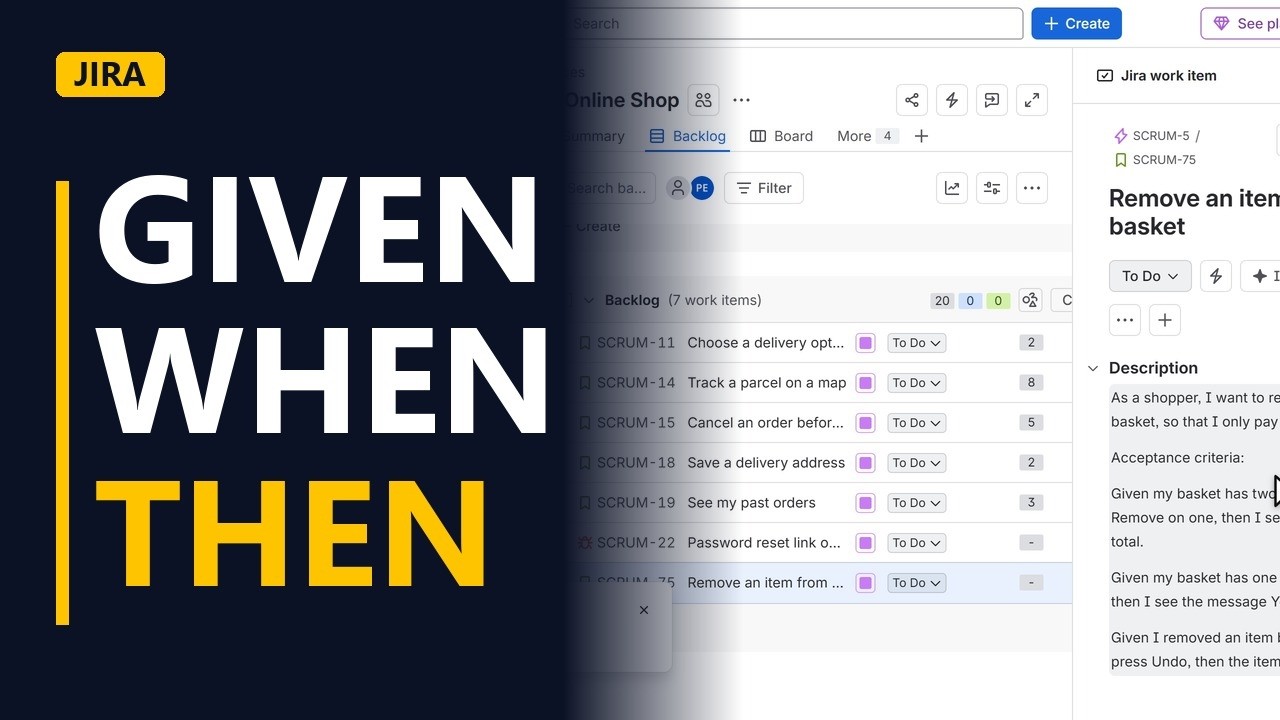
Write acceptance criteria a tester can check: Given, When, Then, one rule per line, covering the normal path, the edge case and the mistake. Added to a real Jira story, step by step.
Step by step
Testable criteria
- Acceptance criteria. Acceptance criteria tell the team when a story is done. A line like "it should be easy" can't be tested, so here each rule is written as Given, When, Then in a Jira story.
- Create. Click Create to open the form for a new work item.
- Pick Story. Click the work type field, and pick Story from the list.
The story
- The story. In Summary, type Remove an item from the basket. In Description, write the user story first: who, what and why. As a shopper, I want to remove an item from my basket, so that I only pay for what I want.
Given When Then
- Normal path. On a new line, type Acceptance criteria:. Given is the starting point, When is one action, Then is a result you can see. Start with the normal path: Given my basket has two mugs, when I press Remove on one, then I see one mug and a lower total.
- Edge case. Next comes the edge case, when the last item goes: Given my basket has one item, when I remove it, then I see the message Your basket is empty.
- The mistake. Then the mistake: Given I removed an item by mistake, when I press Undo, then the item is back in my basket. Each line has one clear result that a tester can mark as pass or fail.
Save it
- Parent epic. Link the story to its epic. Click Parent, and pick the Checkout epic.
- Create. Click Create to save the story.
- Check it. Open the new story from the bottom of the backlog. The description shows the story and the 3 criteria. 3 rules means 3 tests: the developer knows what to build, and the tester knows what to check.
Recap
- Given, when, then. Recap: Given a starting point, When one action, Then a result you can see. Write one rule per line, and cover the normal path, the edge case and the mistake.
Common mistakes
- Vague criteria. Lines like "it should be easy" or "it should be fast" can't pass or fail. Say what the user sees instead, such as the message Your basket is empty.
- More than one action in the When. "When I remove an item and check out" mixes 2 tests. Split it into 2 lines so each one has a single action and a single result.
- Writing only the normal path. Also add the edge case (removing the last item) and the mistake (Undo). Many bugs show up in exactly these cases.
- Criteria hidden in comments. Keep them in the description under an Acceptance criteria: heading, or in your team's acceptance criteria field if your admin has added one, so everyone finds them in the same place.
When a business analyst uses this
In a backlog refinement session, a business analyst turns each story's agreed rules into Given, When, Then lines in Jira before the sprint starts. Testers build their test cases from those lines, and the product owner checks them at sign-off to accept or reject the story.
Questions people ask
What are acceptance criteria in a Jira story?
They are the conditions a story must meet to count as done. Each one should be a rule a tester can answer yes or no to, such as: Given my basket has one item, when I remove it, then I see Your basket is empty.
How do I add acceptance criteria to a Jira story?
Create or open the story and write the criteria in the Description, under a line such as Acceptance criteria:. Put one Given, When, Then rule on each line so each one can be tested on its own.
What format should acceptance criteria use?
A common format is Given, When, Then: Given is the starting point, When is one action, and Then is a result you can see. A plain checklist of rules also works, as long as each line can be tested.


