How to Create and Organise Pages in Confluence (Parent and Child Pages)
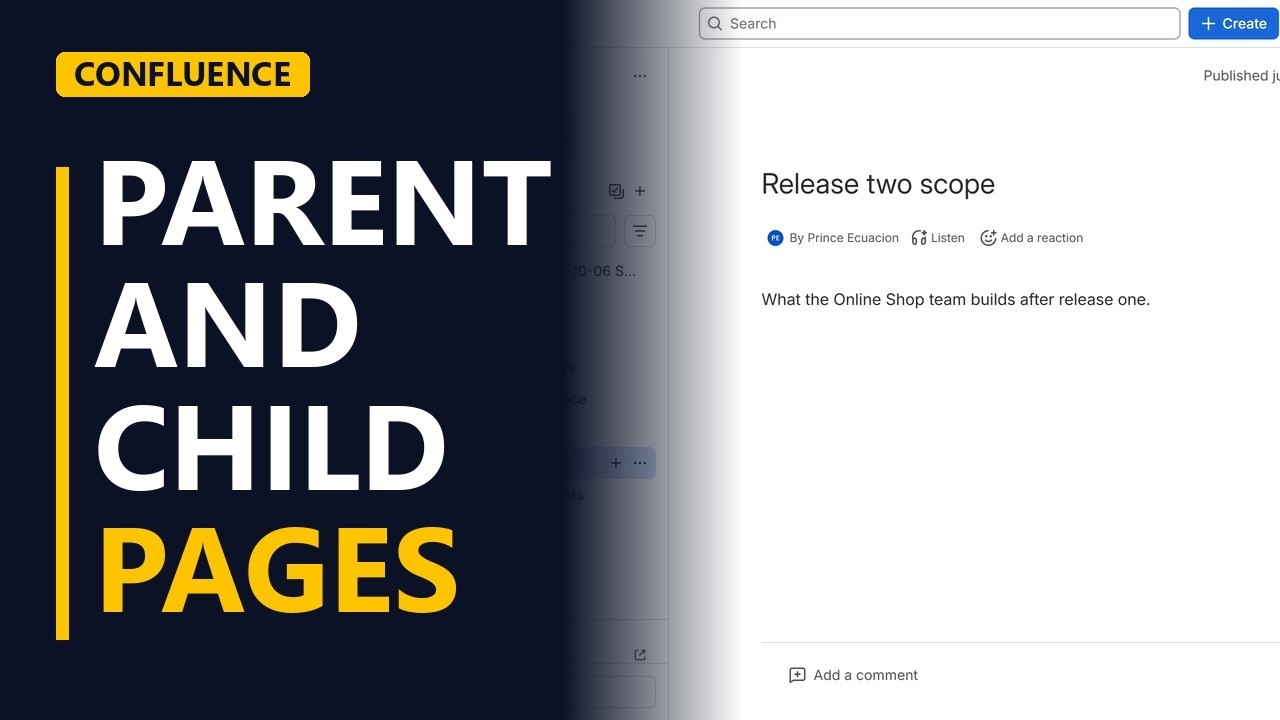
Create a new page in Confluence and put it under a parent page, so your project space stays tidy. Check the location before you publish and see the page tree update.
Step by step
Parent pages
- Organise pages. A Confluence space gets messy fast. To keep it tidy, put pages under other pages, like folders on your computer. Here a new page goes under the project overview.
- Pick the parent. Open the project overview page. It will be the parent, and the new page will sit under it as a child page.
Create the page
- Create. With the parent page open, click Create at the top. Pick Page. Confluence makes the new page under the page you have open, so you don't need to move it later.
- A clear title. Type a title people can search for, Release two scope, and press Enter to move into the page body. Then write one line that says what the page is for: What the Online Shop team builds after release one.
Publish
- Check the location. Click Publish. Before the page goes live, check the location: the project space, then the home page, then project overview. If it's wrong, change it here.
- Publish. Click Publish to make the page live.
The page tree
- A child page. In the page tree, Release two scope now sits under project overview, one step in. That makes it a child page. Project overview is now its parent. Group pages like this, by release or by topic, and people find things without asking you.
Recap
- Parent, create, publish. In short: open the parent page, click Create and pick Page. Give it a clear title, check the location, and publish.
Common mistakes
- Creating the page from the wrong page. Confluence puts the new page under the page you have open. That might be the space home page or another page, not the parent you wanted. Check the location before you publish and change it there if it's wrong.
- Vague titles like Notes or Draft. Nobody can search for them, and they look the same in the page tree. Use a title that says what the page covers, like Release two scope.
- Leaving the page as an unpublished draft. Until you click Publish, your team can't find the page in the page tree. Finish with Publish, then check that the page shows under its parent.
When a business analyst uses this
When a project starts a new release, a business analyst adds a Release two scope page under the project overview. The requirements, workshop notes and sign-off pages for that release then go under it as child pages, so stakeholders find everything for that release in one branch of the page tree.
Questions people ask
What is a child page in Confluence?
A child page sits under another page, its parent, in the page tree, one step in. In this lesson, Release two scope is a child page of project overview.
How do I create a page under another page in Confluence?
Open the page you want as the parent, click Create at the top and pick Page. Confluence makes the new page under the page you have open, and you can check the location before you publish.
Can I change where a Confluence page goes before publishing?
Yes. When you publish, Confluence shows the location (the space, then each parent page). If it's wrong, you can change it there before the page goes live.


