BPMN Gateways Explained: Exclusive vs Parallel vs Inclusive
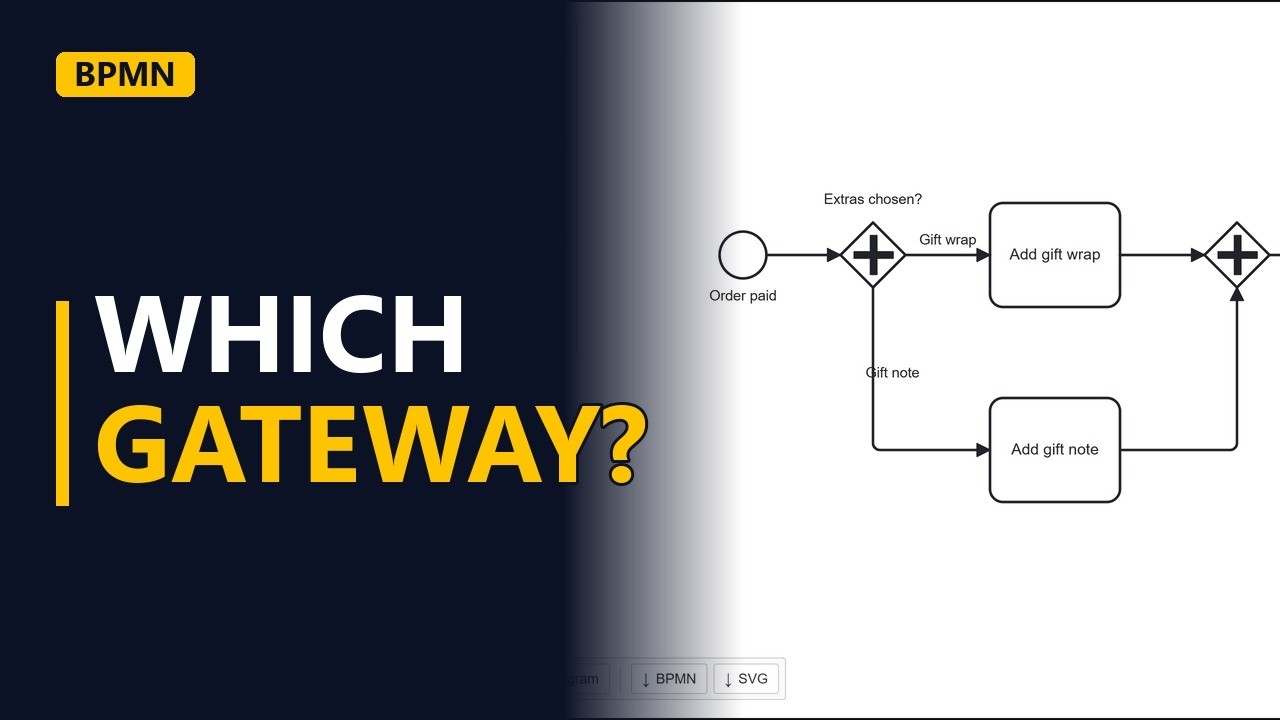
Exclusive, inclusive or parallel? See what each BPMN gateway means on one online shop example, change the gateway type with the wrench in the free bpmn.io modeler, and join the paths again with the right gateway.
Step by step
Three gateways
- Which gateway?. Exclusive, inclusive or parallel? The gateway you pick changes what your process says. Here, one step from an online shop is drawn with all three.
- New diagram. Start a new diagram in bpmn.io and name the start event Order paid.
Exclusive
- Exclusive. Click the start event and add a gateway from its menu. A new gateway is exclusive. Name it with a question: Extras chosen? From the gateway, add the first path: a task called Add gift wrap. Label its arrow Gift wrap. Drag a second task from the gateway's menu to the space below. Name it Add gift note and label its arrow Gift note. The X means exclusive: exactly one path runs. This order gets gift wrap or a gift note, never both.
Inclusive
- Inclusive. But customers can pick both. Click the gateway, click the wrench and choose Inclusive gateway. The X becomes a circle, which means one or more paths run.
Parallel
- Parallel. Now say every gift order always gets both. Open the wrench again, type parallel and pick Parallel gateway. The plus means all paths run, so the arrow labels are only names, not conditions.
Join the paths
- Join. Paths that split must join again. Click Add gift wrap and add a gateway after it. Then connect the second task: click Add gift note, pick the arrow tool in its menu and drag it onto the new gateway. Use the wrench to make this join a parallel gateway too. A parallel join waits until both tasks are done before the order moves on.
- End. Finish with an end event after the join, named Gifts added.
- The finished model. Click on empty space to see the finished model: a parallel split, two tasks that run at the same time, and a parallel join.
Recap
- X, circle, plus. An X means only one path runs, a circle means one or more, and a plus means all of them. Join the paths with the same type you split with.
Common mistakes
- Using an exclusive gateway when both options can happen. An X says only one path runs, so it can't show an order that gets both gift wrap and a gift note. Use an inclusive gateway (circle) when one or more paths can run.
- Joining with a different type than the split. If you split with a plus and join with an X, the join no longer waits for both tasks, and the steps after it run once for each path, so they happen twice. Join with the same type you split with.
- Writing conditions on the arrows after a parallel gateway. After a plus, every path always runs, so labels like Gift wrap are only names. If a path should run only sometimes, use an exclusive or inclusive gateway instead.
- Leaving split paths unjoined. Without a join, the model doesn't show where the paths meet before the next step. Add a gateway after the tasks and connect each task to it, as with Add gift wrap and Add gift note.
When a business analyst uses this
In a process mapping workshop, the business says a refund needs both a manager's approval and a finance check. A parallel split (plus) shows that both always happen, and a parallel join shows that the refund waits for both before payment. This settles the rule on the diagram before sign-off.
Questions people ask
What are the types of gateways in BPMN?
The 3 you'll use most are exclusive (X, exactly one path), inclusive (circle, one or more paths) and parallel (plus, all paths). BPMN 2.0 also has event-based and complex gateways, which you'll see less often.
What is the difference between an inclusive and a parallel gateway in BPMN?
An inclusive gateway runs one or more paths, depending on what applies to that case. A parallel gateway always runs every path, so its arrow labels are only names.
What does the X in a BPMN gateway mean?
The X marks an exclusive gateway: exactly one of its outgoing paths runs. For example, an order gets gift wrap or a gift note, never both.