
Recommended resource
Listen to business books on the go.
Try Amazon audiobooks for commutes, workouts, and focused learning between meetings.
Affiliate link. If you buy through it, this site may earn a commission at no extra cost to you.
⏱ 20 min read
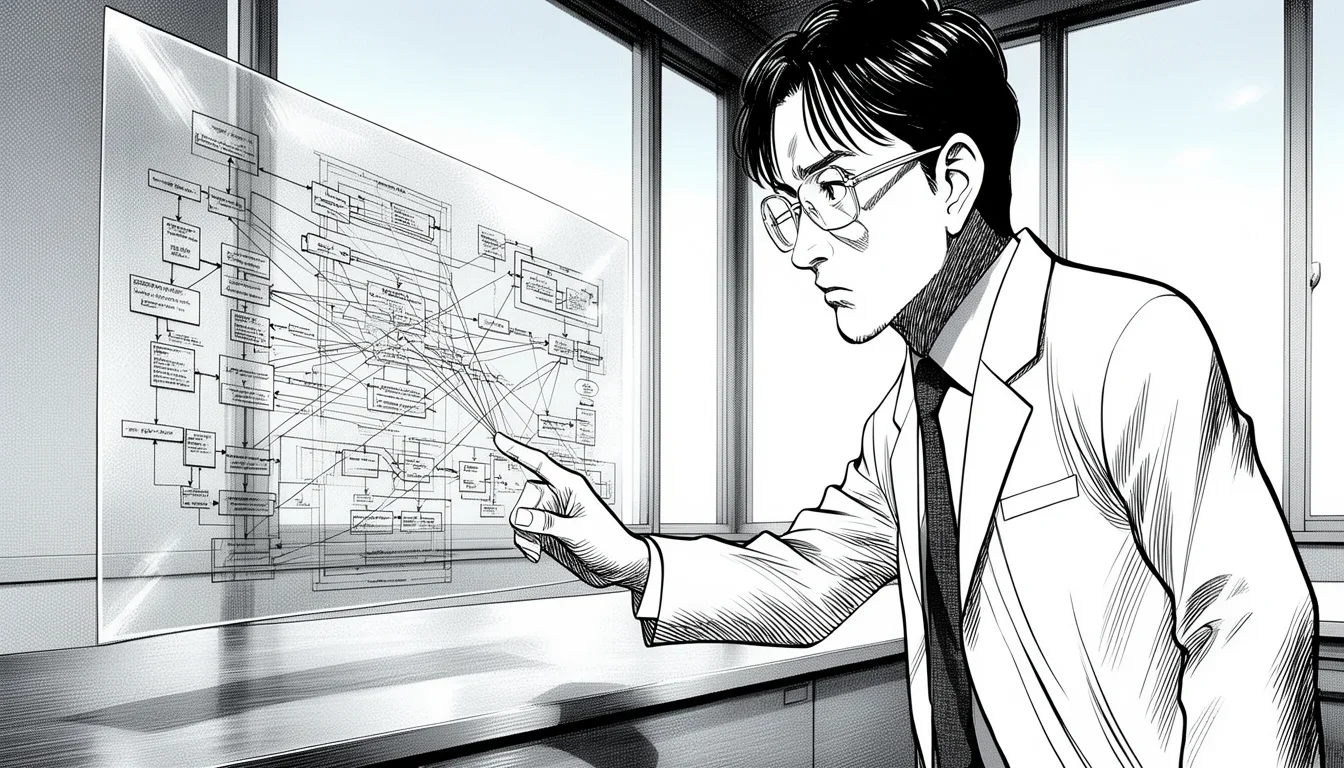
The most dangerous thing a business process can be is a mystery. When you cannot see exactly how work moves from a request to a result, you are flying blind, relying on rumors and fragmented memories rather than data. Using workflow modeling to map current state processes is not just an administrative exercise; it is the only reliable way to distinguish between systemic failure and individual incompetence. Before you can fix a process, you must be willing to stare unblinkingly at its current, messy, often irrational reality.
Here is a quick practical summary:
| Area | What to pay attention to |
|---|---|
| Scope | Define where Using Workflow Modeling to Map Current State Processes actually helps before you expand it across the work. |
| Risk | Check assumptions, source quality, and edge cases before you treat Using Workflow Modeling to Map Current State Processes as settled. |
| Practical use | Start with one repeatable use case so Using Workflow Modeling to Map Current State Processes produces a visible win instead of extra overhead. |
Many organizations skip this step, rushing straight to “future state” dreams. They imagine elegant, automated flows that never existed. This is wishful thinking, and it leads to implementation disasters. You cannot optimize a process that doesn’t exist yet if you don’t know what actually exists today. The goal of this guide is to walk you through the gritty, practical work of capturing the truth of your operations, not the sanitized version your leadership team wants to hear.
The Reality of the “As-Is”: Why Guessing Fails
There is a fundamental difference between a process that is drawn on a whiteboard in a meeting room and a process that lives in the heads of your employees. The former is usually cleaner, faster, and more logical than the latter. The latter is where the real work happens, complete with workarounds, shortcuts, and hidden approvals.
When we talk about using workflow modeling to map current state processes, we are talking about capturing the “As-Is” state. This is the baseline. It is the raw material of your transformation journey. If your “As-Is” model is wrong, your “To-Be” model will be a beautiful house built on a foundation of quicksand. You might spend months redesigning a workflow that simply doesn’t match how your team operates on a Tuesday morning.
Consider a common scenario in customer support. The official policy states that a ticket must be escalated after three days of inactivity. However, the actual workflow might involve a senior agent manually checking tickets every morning, overriding the automated flag, and emailing the manager directly. If you model the process based on the policy document, you will design a new system that automates the escalation, creating a flood of unnecessary alerts and confusing the team. If you use workflow modeling to map the current state, you capture the manual override step. You then realize that the real bottleneck isn’t the three-day rule; it’s the senior agent’s capacity.
This distinction is critical. It requires you to interview your people, not just read their job descriptions. It means asking, “What do you actually do when X happens?” rather than “What should you do?” The answers will surprise you. They will reveal the hidden friction points that make your organization feel sluggish.
The Trap of Idealism
A common mistake in this phase is the “Idealist Bias.” This is the tendency to assume that everyone follows the rules perfectly. In reality, humans are adaptive. They find the path of least resistance. If a process is too long, they will skip a step. If a system is too clunky, they will use Excel spreadsheets to manage it. Your model must account for these deviations.
Real Insight: A process map that looks perfect on paper but ignores the shortcuts people actually take is a lie. It will fail the moment you try to implement it.
To capture this, you need a mindset of forensic curiosity. Treat every deviation from the standard operating procedure as a data point, not a violation. Why did they do it that way? Was the system too slow? Was the approval confusing? Was the form missing a field? These are clues to the underlying issues in your current workflow.
The Toolkit: Symbols, Swimlanes, and the Power of Simplicity
You do not need expensive software to start mapping. While tools like Bizagi, Visio, or Lucidchart are excellent for collaboration and version control, the core skill is understanding the language of the map. The most valuable tool you have is the Basic Flowchart, often called a Swimlane Diagram. It is simple, universally understood, and incredibly powerful.
The key elements you need are:
- Tasks: What an actor does (e.g., “Review Invoice”).
- Decisions: Points where the flow splits based on a condition (e.g., “Is Amount > $10k?”).
- Events: Triggers that start or stop the process (e.g., “New Order Received”).
- Swimlanes: Horizontal or vertical sections that represent different roles or departments. This is crucial for seeing handoffs and accountability.
- Connectors: Arrows showing the direction of flow.
The beauty of this approach is that it forces you to think in terms of steps and conditions. It strips away the jargon. Instead of writing “Execute Financial Reconciliation Protocol,” you write “Check Account Balance.” Instead of “Initiate Stakeholder Engagement,” you write “Email Manager.” This simplicity makes the model readable by anyone, from your IT team to your front-line staff.
Choosing the Right Level of Detail
One of the hardest decisions when using workflow modeling to map current state processes is how much detail to include. You can go too high-level, missing the critical nuances, or too detailed, creating a map that is impossible to read. The rule of thumb is to map at the level of the “decision point” or the “handoff.” You want to capture every time the work moves from one person to another or from one system to another.
If you are mapping a complex procurement process, you might need separate swimlanes for the Requester, the Approver, the Purchasing Agent, and the Vendor. Within the Purchasing Agent’s lane, you might break down the steps of creating a PO, checking inventory, and sending the confirmation. But you wouldn’t need to map the specific keystrokes used to create the PO line item. That is implementation detail, not process logic.
Practical Tip: If you find yourself drawing a map with more than 20 steps in a single lane, you likely need to zoom out or break the process into sub-processes. Complexity kills clarity.
Techniques for Discovery: How to Get the Truth Out
Getting the accurate “As-Is” model is 90% about how you gather information. A static document review is rarely enough. You need to engage with the people who do the work. Here are three proven techniques that work in the real world.
1. Shadowing: The Gold Standard
Nothing beats watching someone do their job. Sit with an employee for a few hours and let them work. Do not interfere. Do not offer suggestions. Just watch and take notes. This is where you will see the “shadow steps”—the things they do off-screen, the phone calls they make, the sticky notes they use to track progress.
This method is slow and disruptive, but it is the most accurate. You will see that the “manual check” mentioned earlier might actually involve the agent calling a colleague three times before proceeding. You will see where they hesitate, where they double-check, and where they sigh.
2. The “Exception Flow” Interview
Most process maps focus on the “happy path”—the ideal scenario where everything goes right. But in business, the exception is often the norm. You need to specifically ask your interviewees about what happens when things go wrong. “What if the system is down?” “What if the invoice is missing a signature?” “What if the customer cancels mid-process?”
These questions reveal the safety nets, the workarounds, and the emergency protocols that your official documentation ignores. Mapping these exception flows is essential for building a robust future state, but they are often skipped in current state maps. Don’t ignore the messy edges.
3. The “Walkthrough” Simulation
Sometimes, people forget how they used to do a task or they have a fuzzy memory of the steps. Ask them to walk you through a specific, recent instance of the process. “Let’s trace the workflow for the invoice that was rejected last week.” By anchoring the conversation in a real event, you trigger their memory and uncover the specific decisions and actions taken in that instance.
Common Pitfalls in Discovery
- Asking for the “Best Practice”: People will tell you what they should do, not what they do do. Always ask, “Tell me about the last time you did this. Walk me through every step.”
- Mapping Solo: Never try to map a process alone. You will miss the nuance. Have the process owner validate your draft map immediately. If they say, “No, I don’t do that step,” you are wrong. Their map is the truth.
- Ignoring the “Why”: Don’t just record the steps. Ask why each step exists. Often, a step is there because of a legacy system or a regulation that is no longer relevant. Knowing the “why” helps you decide later which steps to cut.
Structuring the Map: Visualizing the Flow of Value
Once you have gathered your data, it’s time to build the visual. The structure of your map dictates how well it communicates. The most effective structure for current state mapping is the Swimlane Diagram. It separates the “who” from the “what” and makes handoffs visible.
Imagine a horizontal layout where each row represents a role (e.g., Sales, Finance, Legal). The process starts in the Sales lane. As the work moves, an arrow crosses the line into the Finance lane. This visual crossing is the “handoff.” Handoffs are where delays happen and errors creep in. By mapping the current state, you can count the number of handoffs. If your process has five handoffs before a simple approval is granted, you have identified a potential bottleneck.
Visualizing Decision Points
Decisions are the junctions of your process. In your map, these should be clearly marked with diamonds or decision diamonds. Every decision should have at least two outgoing paths (Yes/No, Pass/Fail, Approve/Reject). Don’t create “orphan” paths where a decision leads nowhere.
When mapping the current state, pay close attention to “implicit” decisions. These are decisions that people make without writing them down. “Do I feel like this request is urgent?” “Is this client important enough to wake up the boss?” These implicit decisions are often the source of inconsistency. Your map should explicitly state them. “If Client is Tier 1, escalate immediately” becomes a visible rule on the map.
Key Takeaway: A good process map should answer three questions instantly: Who is doing it? What is the decision? Where does the next step go?
Handling Loops and Exceptions
Real processes are not straight lines. They loop back. You might need to re-enter a step for correction. You might need to route a request to a different lane if the initial approver is unavailable. Your model must account for these loops.
Use dashed lines or distinct colors for exception paths. This helps the reader distinguish between the normal flow and the “what if” scenarios. A clean map with a clear normal path and well-defined exception paths is easier to analyze than a tangled web of arrows.
From Chaos to Clarity: Analyzing the Mapped State
You have your map. It is messy. It shows workarounds, redundant steps, and unnecessary handoffs. Now comes the analysis phase. This is where using workflow modeling to map current state processes pays off. You are no longer guessing; you are looking at evidence.
Identifying Bottlenecks
A bottleneck is a point where work accumulates. On your map, look for areas where the process slows down or where a single person must do everything. If the “Final Approval” step is in the Finance lane and Finance is understaffed, that is a bottleneck. The map makes this obvious. You can see the queue building up before it happens.
Spotting Redundancies
Redundancy is work that is done more than once. You might find that the Sales team enters the customer data, then the Finance team re-enters it to verify it, and then the Legal team checks it again. This is the “data entry tax.” It slows down the process and increases the risk of error. Your map highlights this inefficiency clearly. The solution might be a single source of truth or a system that auto-populates the fields.
Finding the “Shadow Systems”
Your map might reveal that a critical part of the process happens outside the official system. Maybe the team uses a shared Google Sheet to track approvals because the official system is too slow. This is a shadow system. It is not compliant, and it is risky. But it is also a solution to a real problem. Recognizing this allows you to address the root cause (the slow system) rather than trying to ban the spreadsheet.
The Gap Analysis
Once you have a clean “As-Is” model, you can start thinking about the “To-Be” model. But you must do this carefully. Do not start with a blank slate. Use the “As-Is” map as the foundation. Identify the steps you want to remove, automate, or change. Then, design the new flow.
This approach ensures that your future state is grounded in reality. You are not inventing a new process from scratch; you are evolving the existing one based on evidence. This makes the change easier to sell to stakeholders and easier for your team to adopt.
The Cost of Ignoring the Current State
Skipping the mapping phase or doing it poorly has a high cost. You might redesign a process that is already efficient. You might introduce new bottlenecks because you didn’t see the hidden dependencies. You might fail to address the real problem because you were looking at the wrong steps.
Caution: Skipping the “As-Is” analysis is like trying to fix your car’s engine without opening the hood. You might be tightening a bolt that is already secure while the real issue is a cracked gasket.
Tools and Collaboration: Making the Map Stick
While you can do this on paper, digital tools are essential for collaboration and version control. The goal is to create a single source of truth that everyone can access and update as the process evolves.
Collaborative Platforms
Tools like Lucidchart, Microsoft Visio, or specialized BPM (Business Process Management) software allow multiple people to work on the same map simultaneously. You can assign tasks to different roles, add comments, and track changes. This is crucial for getting buy-in. If your team members helped build the map, they are more likely to accept it.
Version Control
Processes change. Your map must change with them. Use version control. Label your maps “v1.0 – Initial Draft,” “v1.1 – Post-Interview Update,” etc. This allows you to track how your understanding of the process evolved. It also helps you debate changes. “Why did we move this step in v1.2?” “Oh, because we found out the old system was deprecated.”
Integrating with Systems
If you use enterprise tools, your workflow model should ideally integrate with your actual process management software. This allows you to simulate the process or even automate the steps directly. However, be careful not to let the tool dictate the model. The model should drive the tool configuration, not the other way around.
Maintaining the Map
A process map is only useful if it is current. This is the hardest part. Assign an owner to the map. Review it quarterly or whenever a major change occurs. If the process has changed, the map must be updated. If you don’t maintain it, it becomes obsolete, and the next team will start from scratch.
Common Mistakes to Avoid in Your Mapping Journey
Even with the best intentions, teams often stumble. Here are the most common pitfalls when using workflow modeling to map current state processes.
1. Mapping the “Should-Be” Instead of the “Is-Be”
This is the most frequent error. Interviewees will often describe the ideal process, not the actual one. They want to be seen as competent. They want to follow the rules. You must push back. Ask for specific examples. Ask about the last time it went wrong. Force the conversation to the reality, not the aspiration.
2. Over-Simplifying
Don’t try to make the map look pretty. Don’t hide the mess. If the process is messy, the map should be messy. If you smooth over the complexities, you lose the information you need to fix the problem. A confusing map is better than a fake one.
3. Ignoring the Exceptions
As mentioned, the “happy path” is rarely the whole story. If you only map the standard flow, you will miss the risks. Map the exceptions explicitly. Consider creating a separate “Exception Flow” diagram if it gets too complex to fit on the main map.
4. Lack of Stakeholder Buy-In
If you map a process without the people involved, they will reject it. They will say, “That’s not how we do it,” and ignore your map. Involve them early. Let them validate your findings. Make them co-authors of the map.
5. Forgetting the Context
A process doesn’t exist in a vacuum. It is influenced by systems, regulations, and culture. Your map should include notes on the context. Why does this step exist? What system supports it? What regulation mandates it? Without this context, the map is just a series of disconnected steps.
The Future State: Building on the Foundation
Once you have a validated “As-Is” model, you are ready to design the “To-Be” model. This is where the real transformation happens. But remember, the “To-Be” is only as good as the “As-Is” foundation.
Leveraging the Data
Use the insights from your mapping to drive the redesign. If you found that the “Final Approval” step was a bottleneck, consider removing it or automating it. If you found that data was entered multiple times, implement a single source of truth. Your new process should address the specific problems you identified in the current state.
Automation Opportunities
Now that you know exactly what the people are doing, you can identify automation opportunities. Which steps are repetitive? Which steps are error-prone? Which steps involve data transfer between systems? These are the perfect candidates for automation. You cannot automate what you haven’t mapped.
Continuous Improvement
Workflow modeling is not a one-time event. It is a cycle. After you implement your “To-Be” process, you must map it again. Does it work? Are there new bottlenecks? Have people developed new workarounds? Re-map the process regularly to ensure it stays efficient and aligned with business goals.
Final Thought: A process map is a living document. It should be updated as often as you update your business strategy.
The Human Element: Why People Matter
Finally, remember that workflow modeling is about people, not just steps. The most elegant map in the world will fail if the people who use it don’t understand or accept it. Communication is key.
Communicating the Map
Don’t just show the map to your leadership team. Show it to everyone involved. Use visual aids. Walk them through the map. Explain why the changes matter. Make them feel heard and valued. This builds trust and buy-in.
Training and Adoption
FAQ
How long does it typically take to map a current state process?
Mapping a complex process can take anywhere from a few days to several weeks, depending on the scope and the availability of stakeholders. A simple, well-defined process might take a few hours, while a cross-functional enterprise process could require months of discovery, validation, and refinement. The key is to start small, validate quickly, and iterate rather than trying to map everything at once.
Is it necessary to map every single step in detail?
No. You do not need to map every keystroke or trivial decision. Focus on the decision points, handoffs, and value-added steps. If a step is purely administrative and has no impact on the flow or quality, you can group it or omit it to keep the map readable. The goal is clarity, not exhaustive documentation.
What if the people I interview contradict each other on the process flow?
This is common and actually a valuable finding. It indicates a lack of standardization or training issues. In this case, map both versions of the process. Highlight the divergence and use it as a discussion point to determine which path is most common or which one is the “official” policy versus the “actual” practice.
Can I use workflow modeling for non-business processes?
Absolutely. Workflow modeling applies to any repeatable activity, from software development lifecycles and HR onboarding to personal project management or even household chores. The principles of identifying steps, decisions, and handoffs remain the same.
How often should I update my process maps?
You should review and update your maps whenever a significant change occurs in the process, the tools used, or the organizational structure. Ideally, process maps should be living documents that are audited annually or quarterly to ensure they still reflect the current reality.
What is the best format for sharing process maps with stakeholders?
Digital formats like PDFs or interactive diagrams (e.g., in Lucidchart or Visio) are best for sharing. PDFs are good for static viewing, while interactive tools allow stakeholders to leave comments and suggest changes directly on the map, facilitating collaboration.
How do I deal with resistance to mapping the current state?
Resistance often stems from fear that mapping will expose inefficiencies or lead to job cuts. Address this by framing the mapping as a tool for improvement and empowerment, not criticism. Emphasize that the goal is to make everyone’s job easier and more efficient, and ensure that the process owners are active participants in the mapping session.
Use this mistake-pattern table as a second pass:
| Common mistake | Better move |
|---|---|
| Treating Using Workflow Modeling to Map Current State Processes like a universal fix | Define the exact decision or workflow in the work that it should improve first. |
| Copying generic advice | Adjust the approach to your team, data quality, and operating constraints before you standardize it. |
| Chasing completeness too early | Ship one practical version, then expand after you see where Using Workflow Modeling to Map Current State Processes creates real lift. |
Conclusion
Using workflow modeling to map current state processes is the foundational step of any successful business transformation. It replaces guesswork with evidence and assumptions with facts. It forces you to confront the messy reality of how work actually gets done, rather than how you wish it were done.
The effort required to do this right is significant, but the payoff is immense. You gain clarity, you identify hidden risks, and you create a solid blueprint for optimization. Don’t skip the hard work of mapping the “As-Is.” It is the only way to ensure your future state is built on a foundation of truth, not fantasy. Start mapping today, and turn your process chaos into a clear path forward.
Further Reading: Business Process Management best practices
Newsletter
Get practical updates worth opening.
Join the list for new posts, launch updates, and future newsletter issues without spam or daily noise.

Leave a Reply