Airtable vs Excel: When Should a Business Analyst Switch?
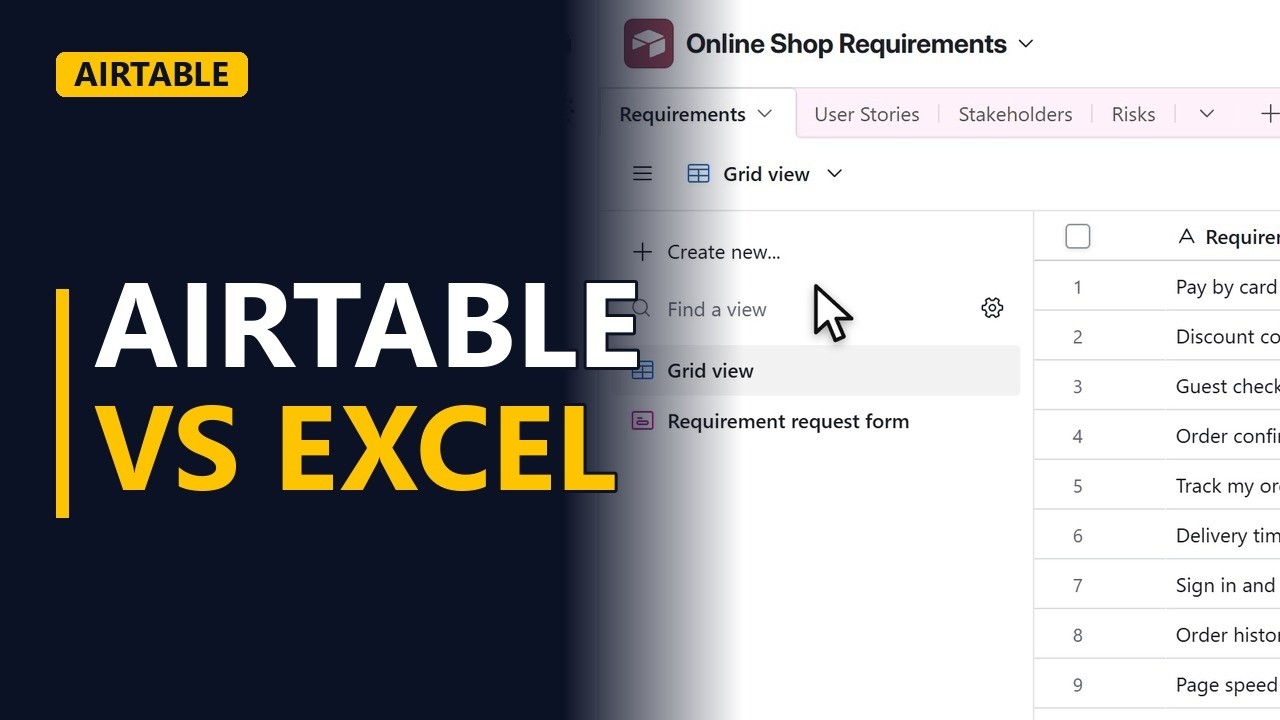
The same requirements list seen the Excel way and the Airtable way: field types, linked records and views decide when a business analyst should switch. Shown on a real Airtable base on the free plan.
Step by step
Two mindsets
- Airtable vs Excel. Should your requirements list move from Excel to Airtable? Here we look at the same requirements list both ways and find the 3 differences that decide it.
- Looks like Excel. At first glance, the Airtable base looks like a spreadsheet. It has rows and columns, and its tables sit as tabs along the top, like sheets in a workbook. In the Requirements table, each row is one requirement.
Field types
- Field types. Difference 1: every Airtable field has a type. Priority is a single select field, so every row uses the same MoSCoW words. In Excel you would add a data validation list, but pasting over the cells can get past it.
Linked records
- Linked records. Difference 2, and the biggest one: linked records. The User stories field holds real records from another table. Each grey chip is one story. The requirement Track my order links to 2 stories. In Excel you would type the story names into a cell, and they go out of date as soon as someone renames a story. Click the expand arrow at the start of the Track my order row to open the full record. Each linked story shows its own fields inside the requirement. In Excel you would need a lookup formula for every column you want to bring across. Press Esc to close the record. Now open the User Stories table from the tabs at the top. Airtable has filled in the other side for you. The Requirements field shows which requirement each story belongs to. That is two-way traceability, with no formulas to copy down.
Views
- Views. Go back to the Requirements table. Difference 3: views. From Create new you can add a kanban, calendar, gallery or form view. They all read the same records, and they are all on the free plan. In Excel, a new layout often means another copy of the data.
When Excel wins
- When Excel wins. Stay in Excel for number crunching, formulas, pivot tables and charts. Excel is still the stronger tool there. A short, one-off list doesn't need a database either.
Recap
- When to switch. Switch to Airtable when your lists link to each other, like requirements, stories, owners and risks, and you want many views of the same data. Keep Excel for the maths.
Common mistakes
- Importing the Excel sheet and keeping story names as plain text. Typed names don't update when a story is renamed, which is the same problem you had in Excel. Make the column a linked record field, so each chip points to a real record in the User Stories table.
- Leaving Priority as a free text field. You end up with Must, must have and M all meaning the same thing. Use a single select field with fixed MoSCoW options, so every row uses the same words.
- Copying the table to get a different layout. Two copies soon disagree. Add a view instead, such as a kanban grouped by Priority. Every view reads the same records, so an edit in one view shows up in all of them.
- Moving the number crunching into Airtable too. Airtable is built for linked lists, not heavy maths. Keep pivot tables, charts and complex formulas in Excel, and bring the data across when you need to analyse it.
When a business analyst uses this
On a project with requirements, user stories and risks in separate lists, an analyst keeps each one as an Airtable table and links them. In a backlog workshop, a kanban view grouped by Priority shows the Must haves. Each requirement's record shows its linked stories, so gaps in traceability are clear before sign-off.
Questions people ask
Is Airtable better than Excel?
It depends on the job. For lists that link to each other, like requirements and user stories, Airtable's field types, linked records and views keep everything in step. For formulas, pivot tables and charts, Excel is still the stronger tool.
What is the difference between Airtable and Excel?
Excel is a spreadsheet, where any cell can hold anything and sheets don't link records to each other. Airtable is a database that looks like a spreadsheet: each field has a type, records link across tables in both directions, and many views read the same data.
Is Airtable better than Google Sheets?
For linked lists, the same points apply, because Google Sheets is a spreadsheet like Excel and has no linked records between tables. For formulas and simple shared lists, Google Sheets does the job well.